Understanding the 24-Hour WhatsApp Customer Service Window
Why free-text replies aren't always available, and what to do once the window has closed.
Beginner 2 min read
Tutorial video coming soon
What You'll Learn
In this tutorial you'll learn:
- Understand when free-form replies are allowed
- Know what to do once the window has closed
Step-by-Step Guide
1
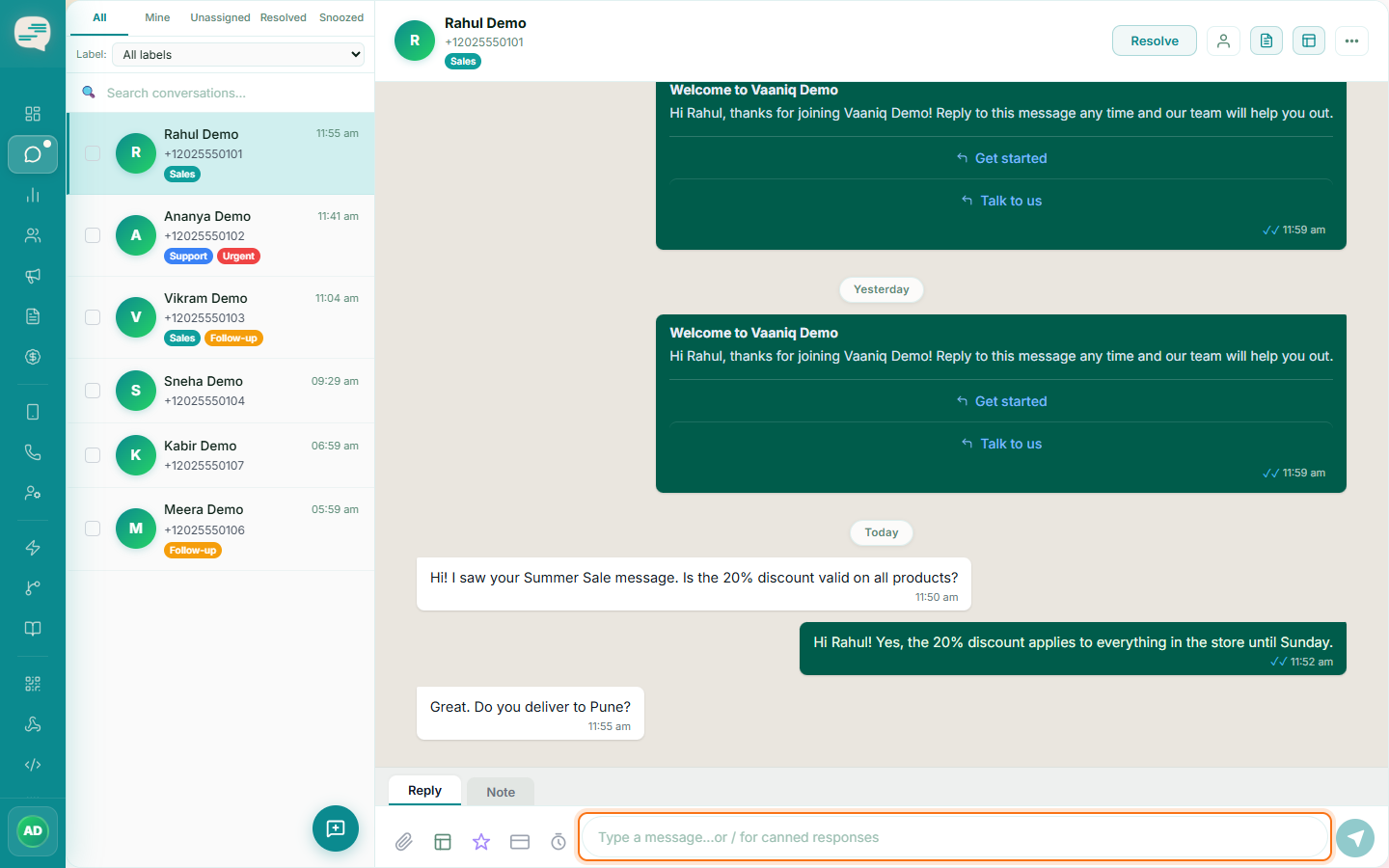
Reply freely inside the window
Once a customer messages you, you have 24 hours to reply with plain text, free-form messages. Every new inbound message from that customer resets the window.
2
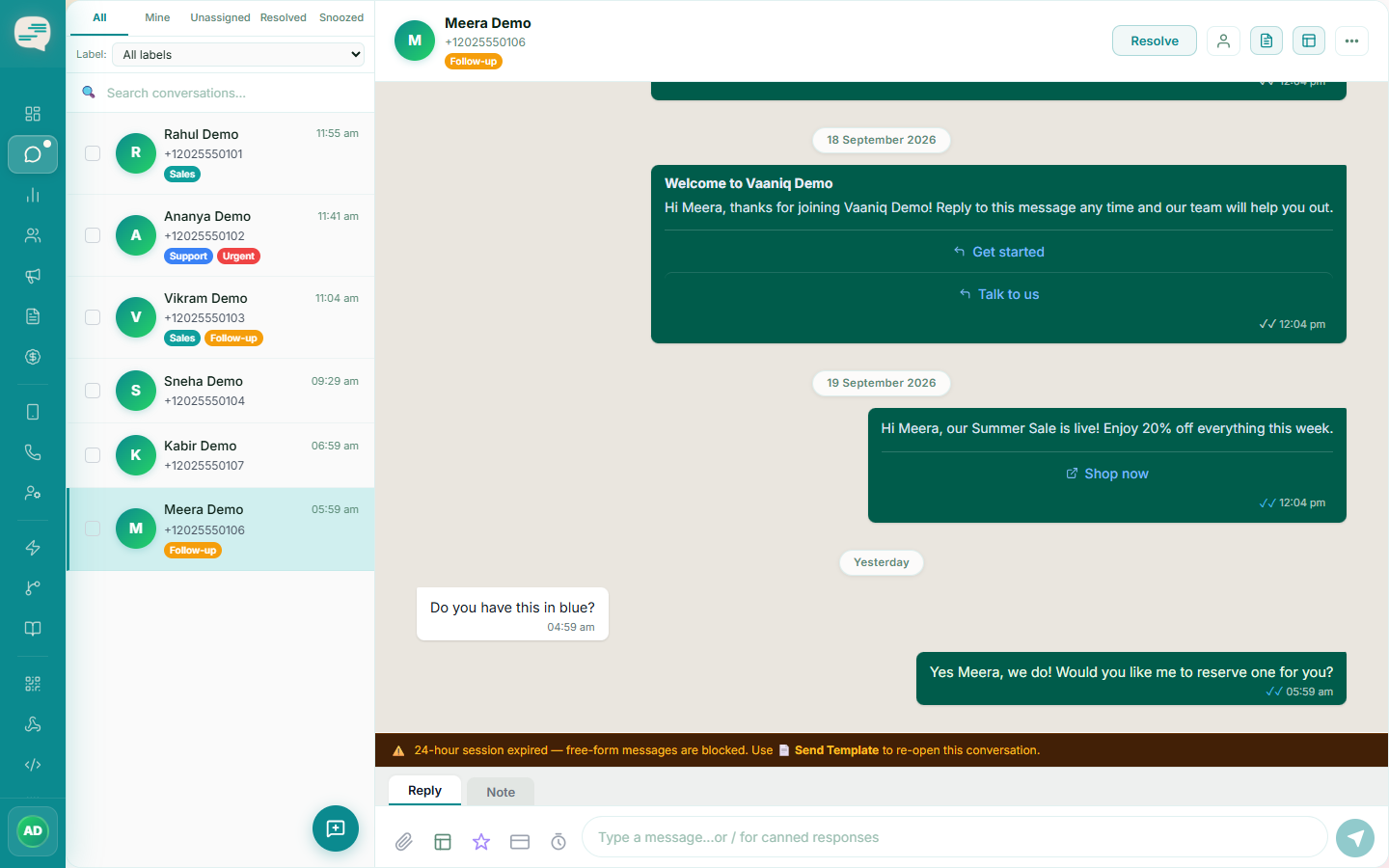
Use a template once it closes
Outside that 24-hour window, only an approved message template can re-open the conversation. Vaaniq's composer will actively disable free text and prompt you to send a template once the window has expired.