

How to Add a Contact Manually
Add a single contact by hand with their name, phone number, and email.
Beginner 2 min read
Tutorial video coming soon
What You'll Learn
In this tutorial you'll learn:
- Create a new contact from the Contacts page
Step-by-Step Guide
1
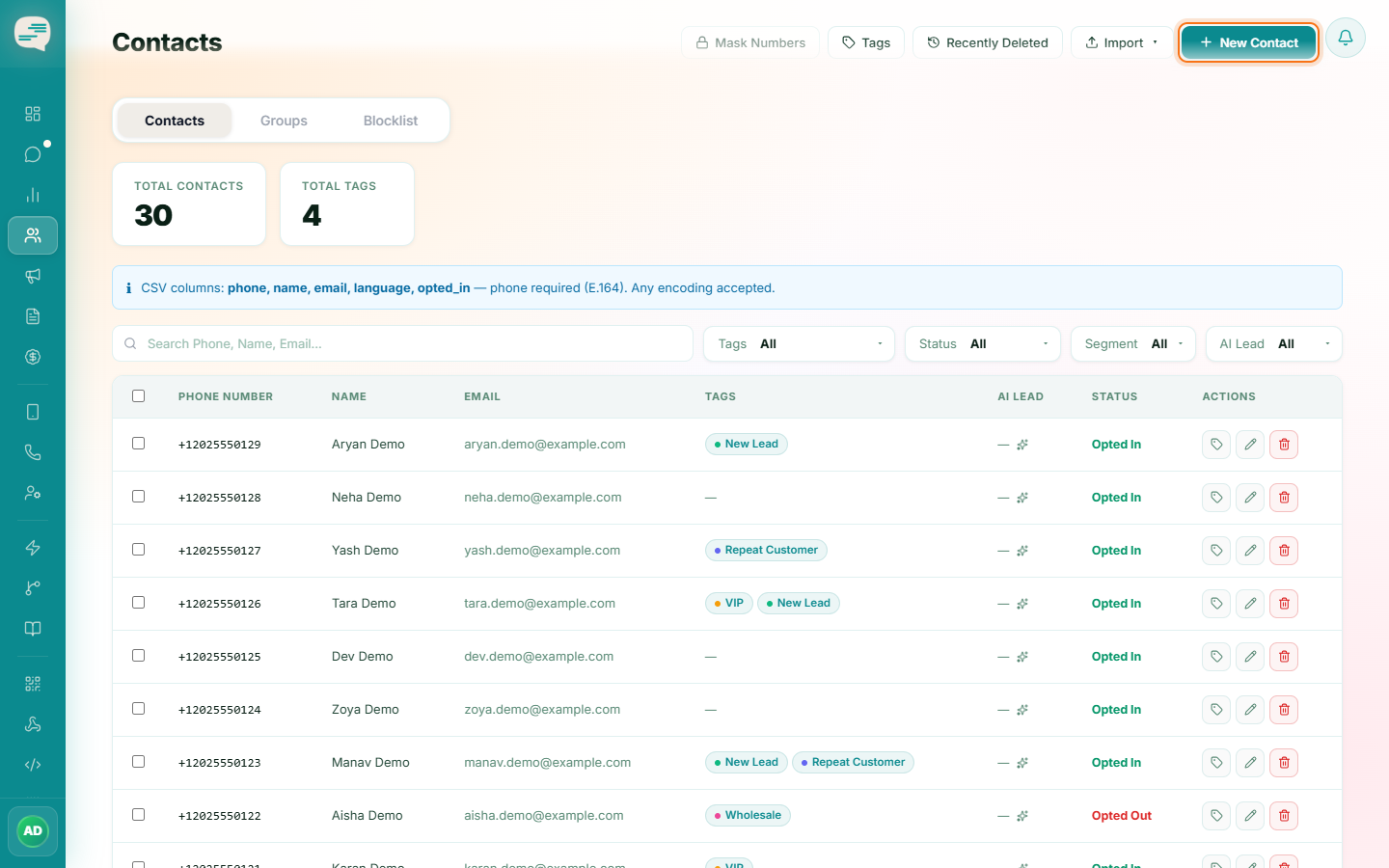
Open Contacts and click New Contact
Dashboard → Contacts → New Contact
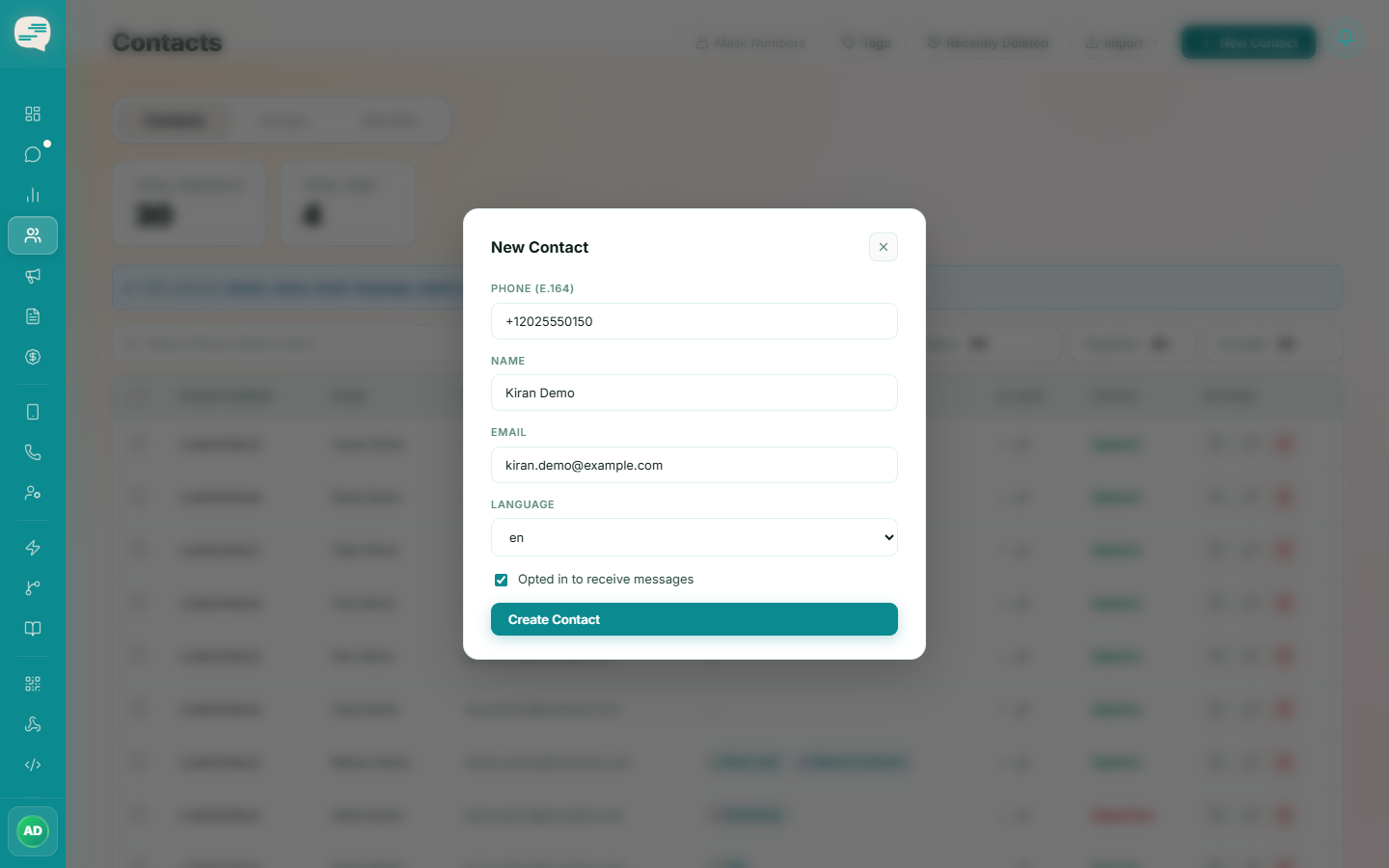
Fill in the contact's name, phone number (with country code), email, and any notes, then save.
Tip
Always include the country code in the phone number, e.g. +91XXXXXXXXXX.