

How to Manage WhatsApp Opt-ins
Track and manage consent for each contact — required by WhatsApp policy before you message them.
Beginner 3 min read
Tutorial video coming soon
What You'll Learn
In this tutorial you'll learn:
- Understand why opt-in consent matters
- Toggle a contact's opt-in status
- Generate a shareable opt-in link
Step-by-Step Guide
1
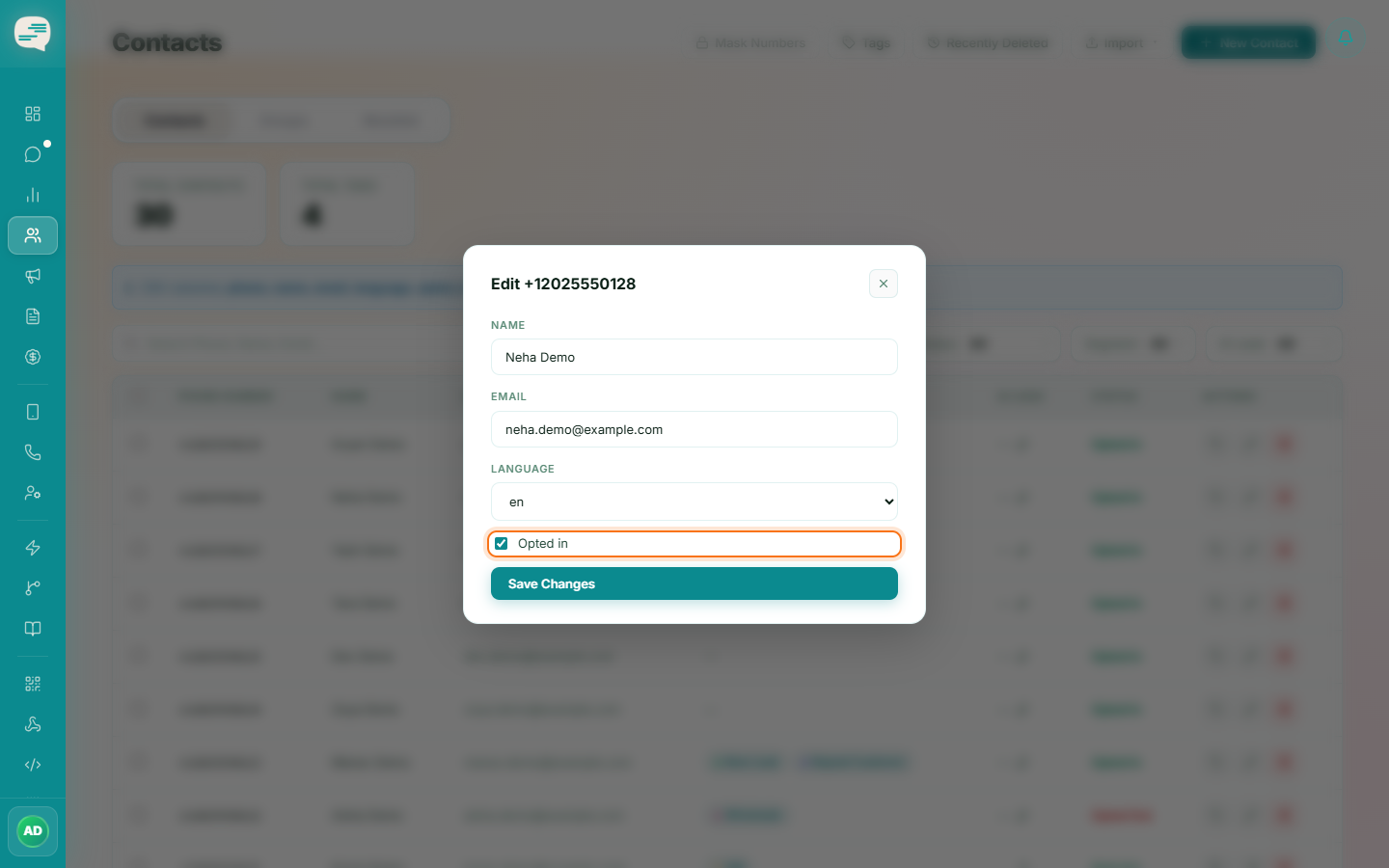
Check or set a contact's opt-in status
Open a contact's detail view to see whether they've opted in, and toggle the status if you have a verifiable record of their consent.
2
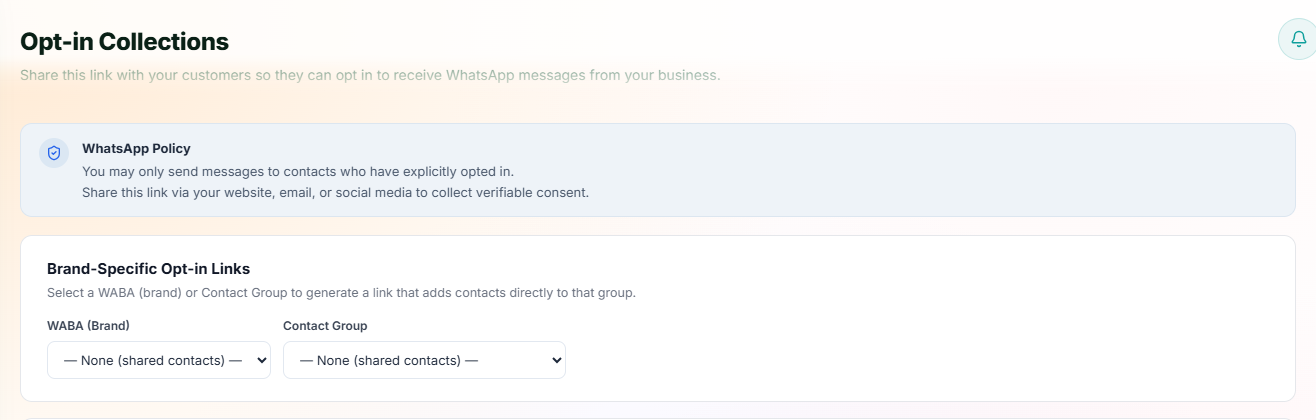
Collect consent with an opt-in link
Dashboard → Settings → Opt-in Links
Generate a shareable opt-in link or an embeddable website button. When someone confirms consent through it, they're added straight to your Contacts as opted-in.
Important
WhatsApp requires clear, verifiable opt-in that names your business — never message purchased, scraped, or harvested contact lists.