

How to Organize Contacts into Groups
Group contacts together for easier campaign targeting — each contact belongs to one group at a time.
Beginner 2 min read
Tutorial video coming soon
What You'll Learn
In this tutorial you'll learn:
- Understand how Groups differ from Tags
- Create or view a group
Step-by-Step Guide
1
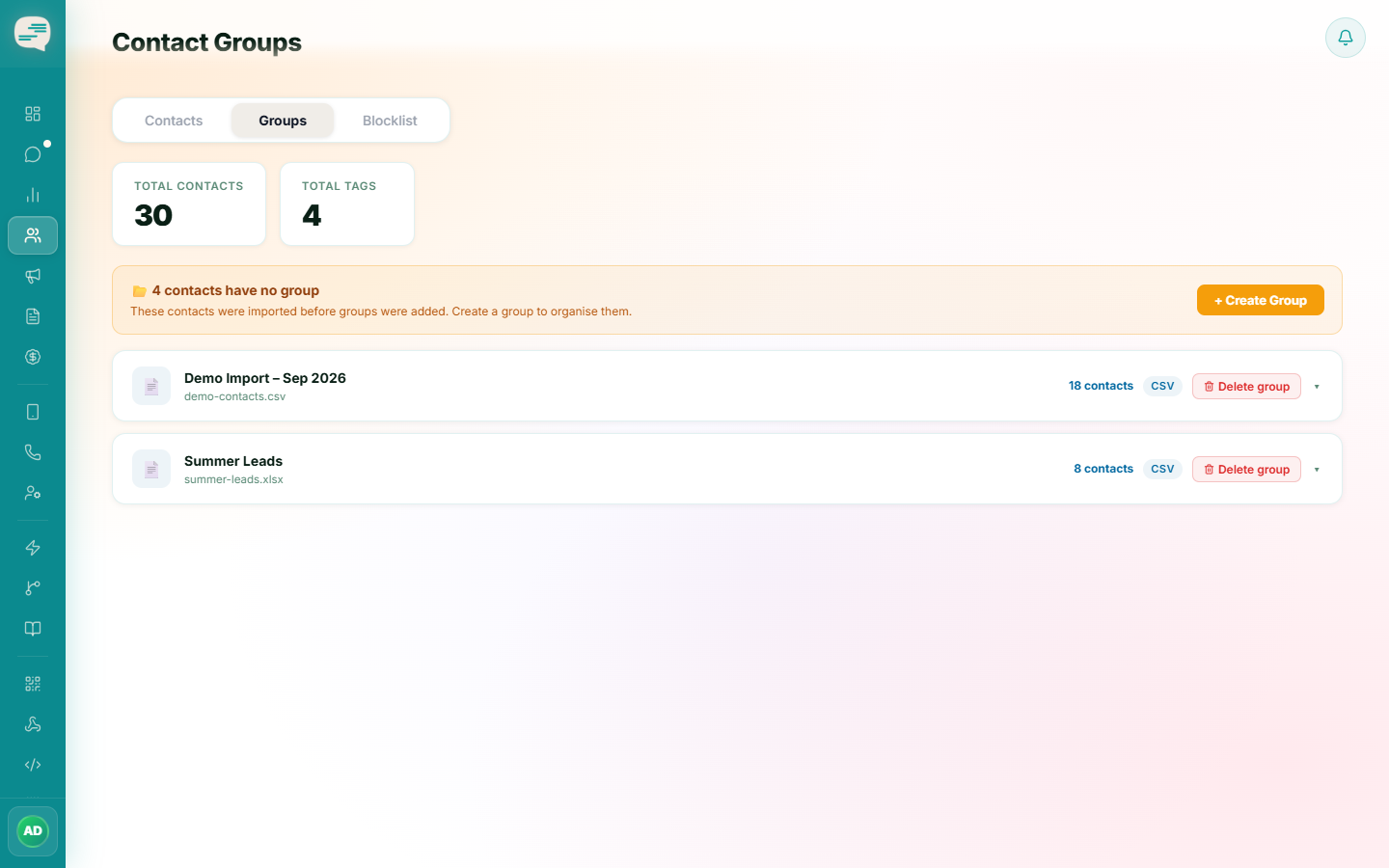
Open the Groups tab
Dashboard → Contacts → Groups
Groups are created automatically whenever you import a batch of contacts, or you can group your currently ungrouped contacts together manually.
2
Use a group as a campaign audience
Groups are one of the ways to pick recipients when launching a Campaign.
Tip
A contact can only belong to one Group at a time. If you need a contact to belong to multiple overlapping categories, use Tags instead.