How to Search & Filter Contacts
Find exactly the contacts you need by name, phone, group, tag, opt-in status, or engagement.
Beginner 2 min read
Tutorial video coming soon
What You'll Learn
In this tutorial you'll learn:
- Use search and filters together to narrow your contact list
Step-by-Step Guide
1
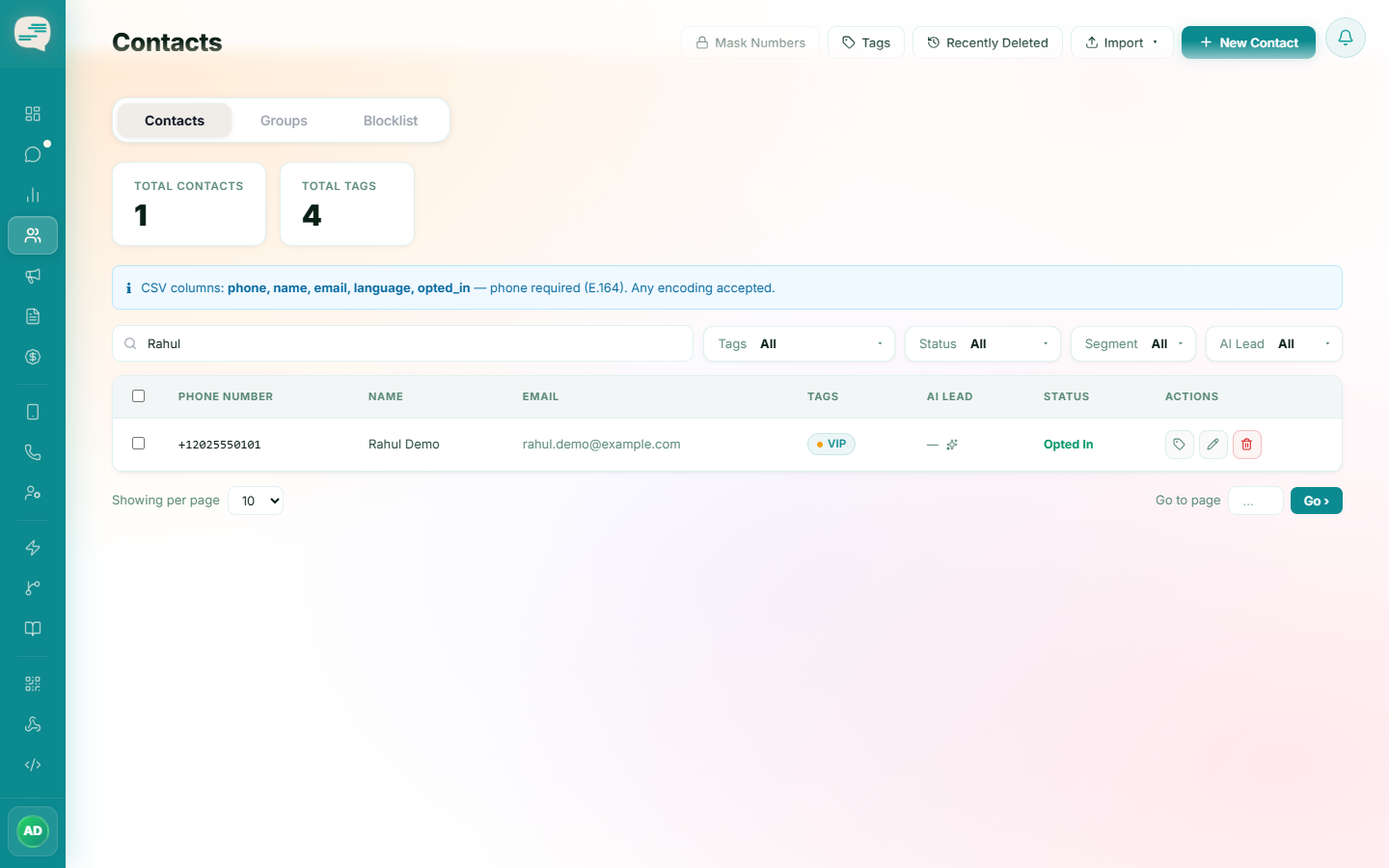
Search by name or phone
Dashboard → Contacts
Type into the search box on the Contacts page — it matches by name or phone number.
2
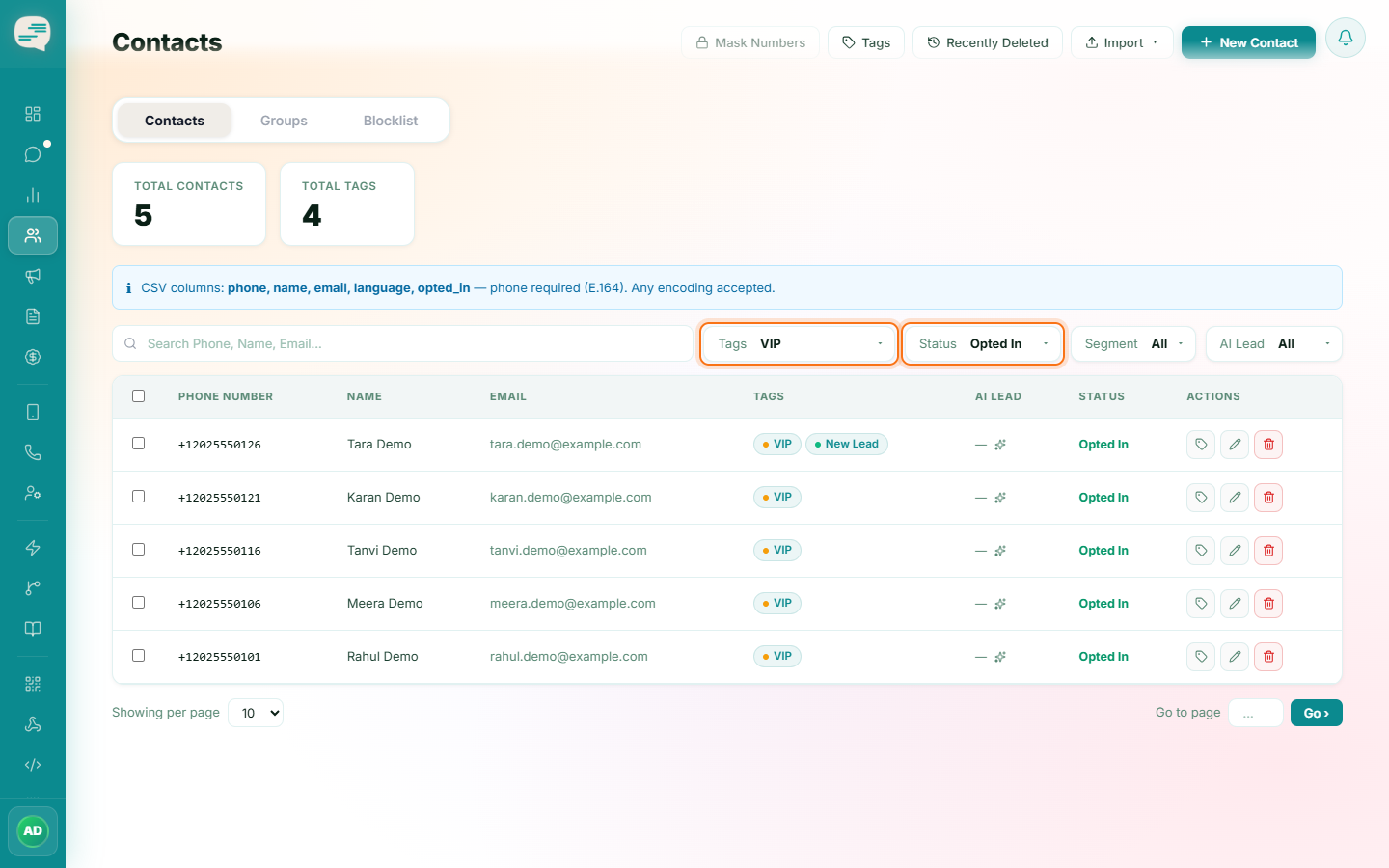
Apply filters
Combine search with filters for tag, group, WABA, opt-in status, or engagement segment to narrow the list down exactly.