How to Use Vaaniq Shared Inbox
A shared, real-time inbox where your whole team can see and reply to every WhatsApp conversation.
Beginner 3 min read
Tutorial video coming soon
What You'll Learn
In this tutorial you'll learn:
- Understand how the shared inbox updates in real time
- Open and navigate the Conversations screen
Prerequisites
Before you start:
- A connected WhatsApp Business Account
Step-by-Step Guide
1
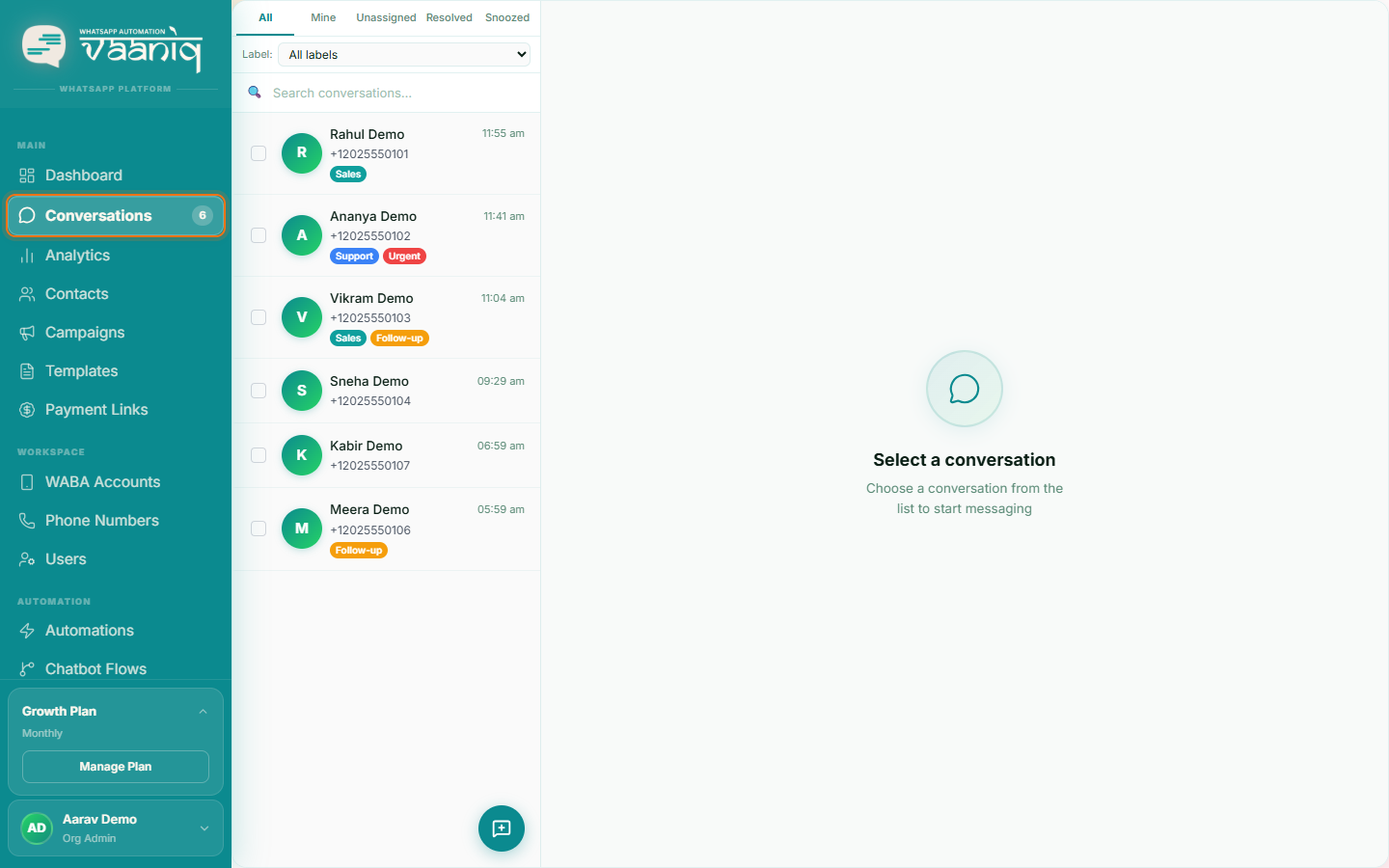
Open Conversations
Dashboard → Conversations
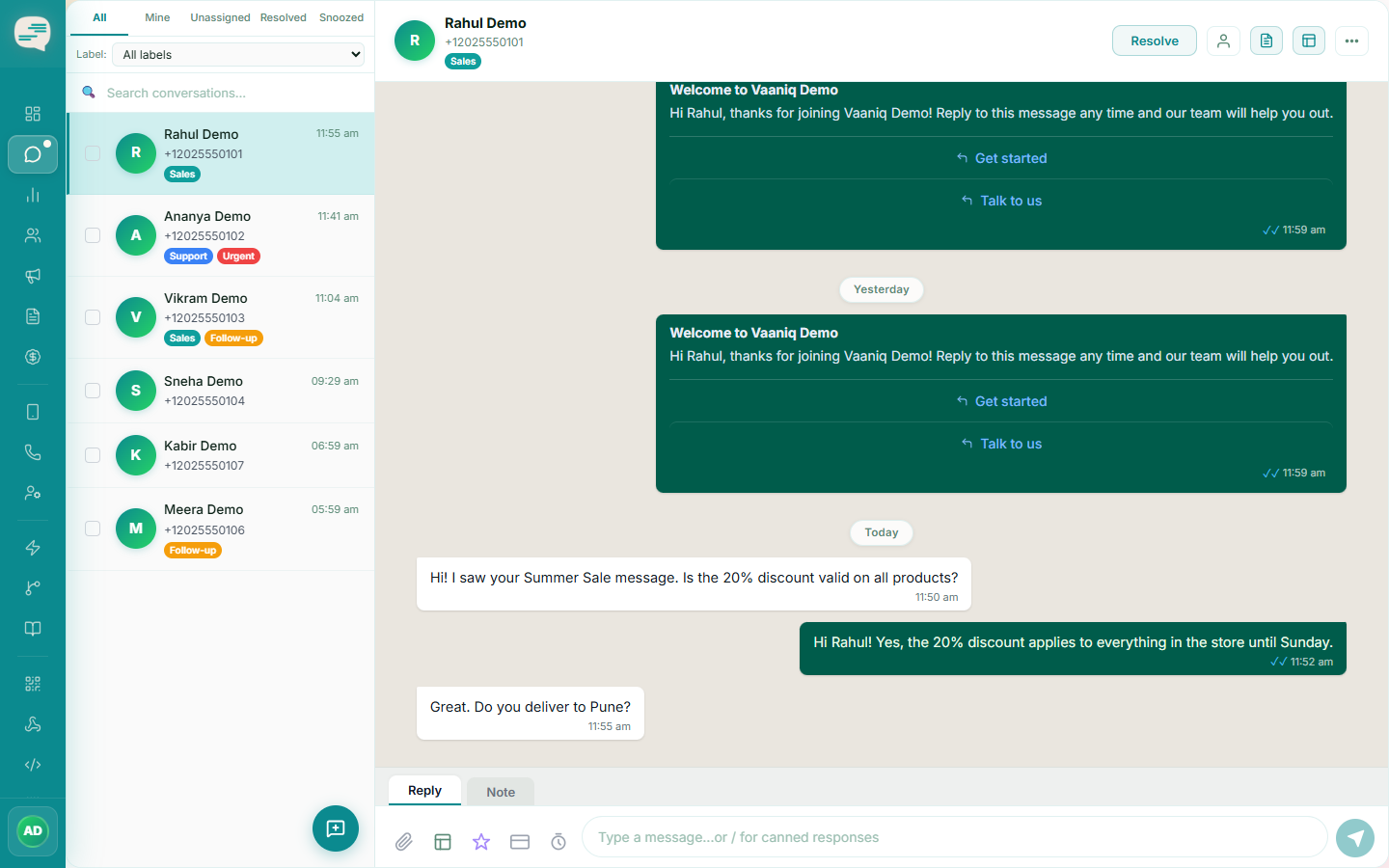
Every WhatsApp chat — from any phone number your team manages — lands in one shared list. Unread threads are highlighted so nothing gets missed.
2
Watch it update live
New messages, delivery receipts, and read receipts appear instantly without refreshing the page — the inbox stays connected in the background the whole time it's open.