How to Test & Publish a Chatbot
Run a flow in test mode to see exactly what it would do, then activate it for real conversations.
Intermediate 3 min read
Tutorial video coming soon
What You'll Learn
In this tutorial you'll learn:
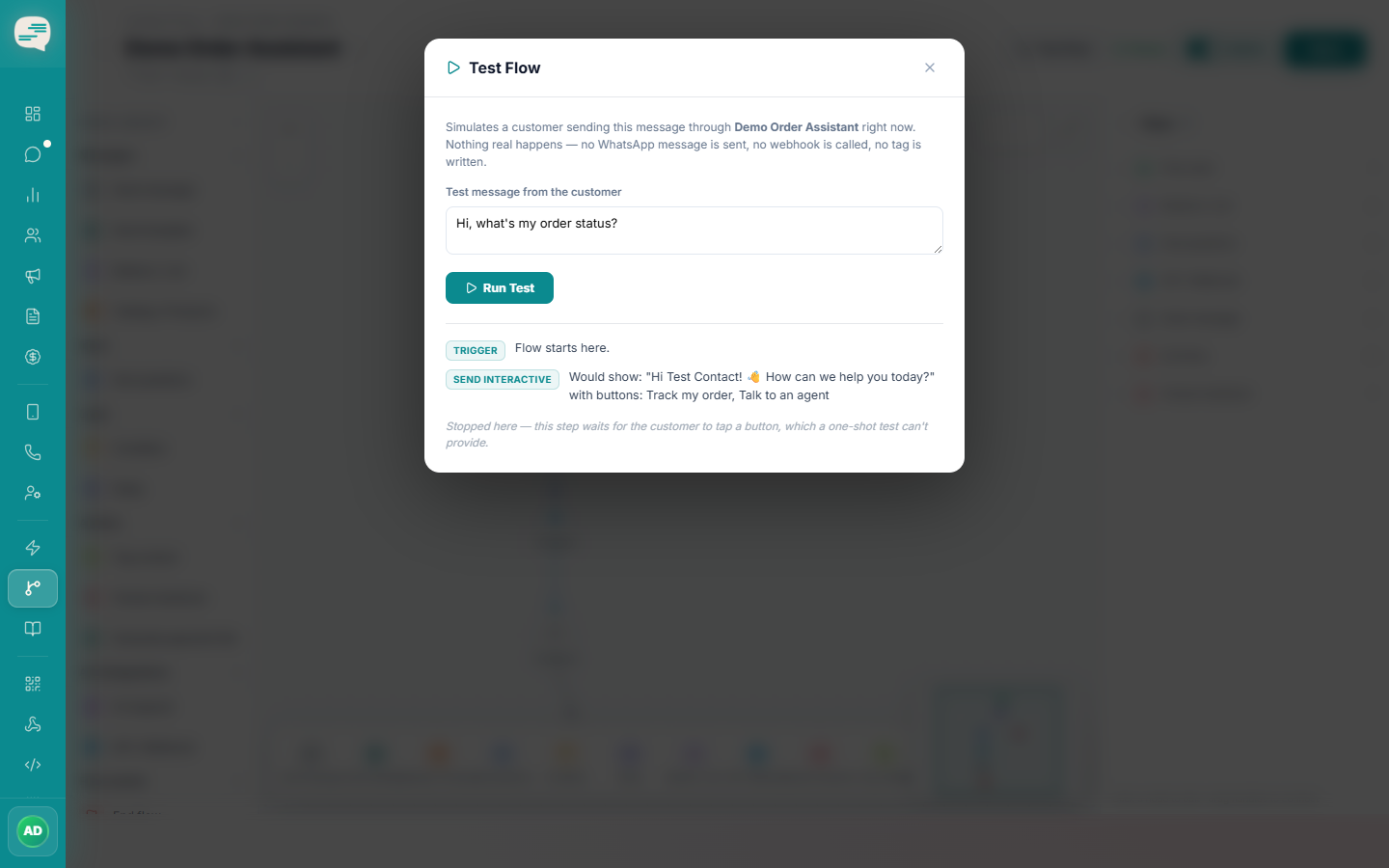
- Run Test Flow and read the execution trace
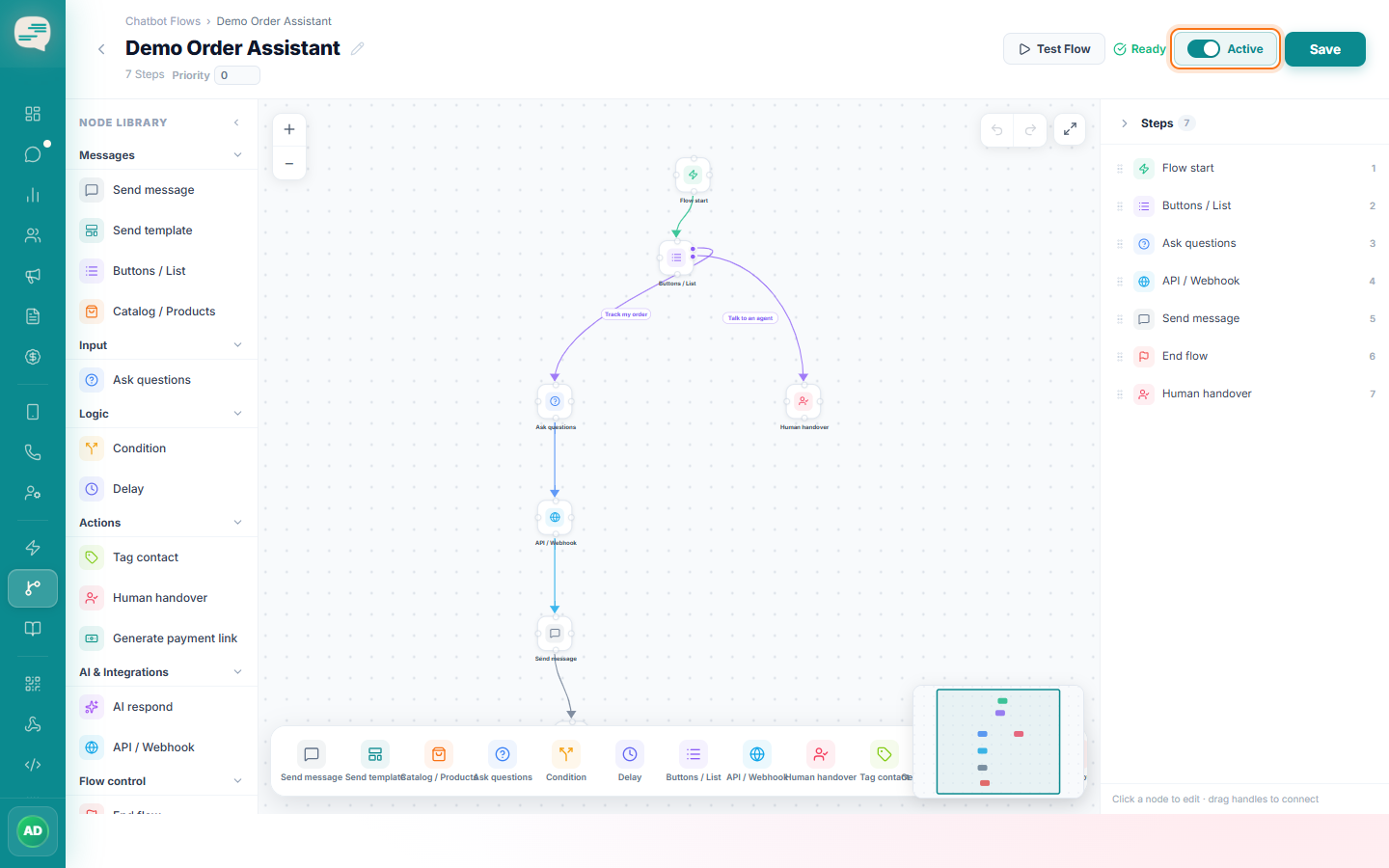
- Activate a flow for live conversations
Prerequisites
Before you start:
- A flow with at least one step
Step-by-Step Guide
1
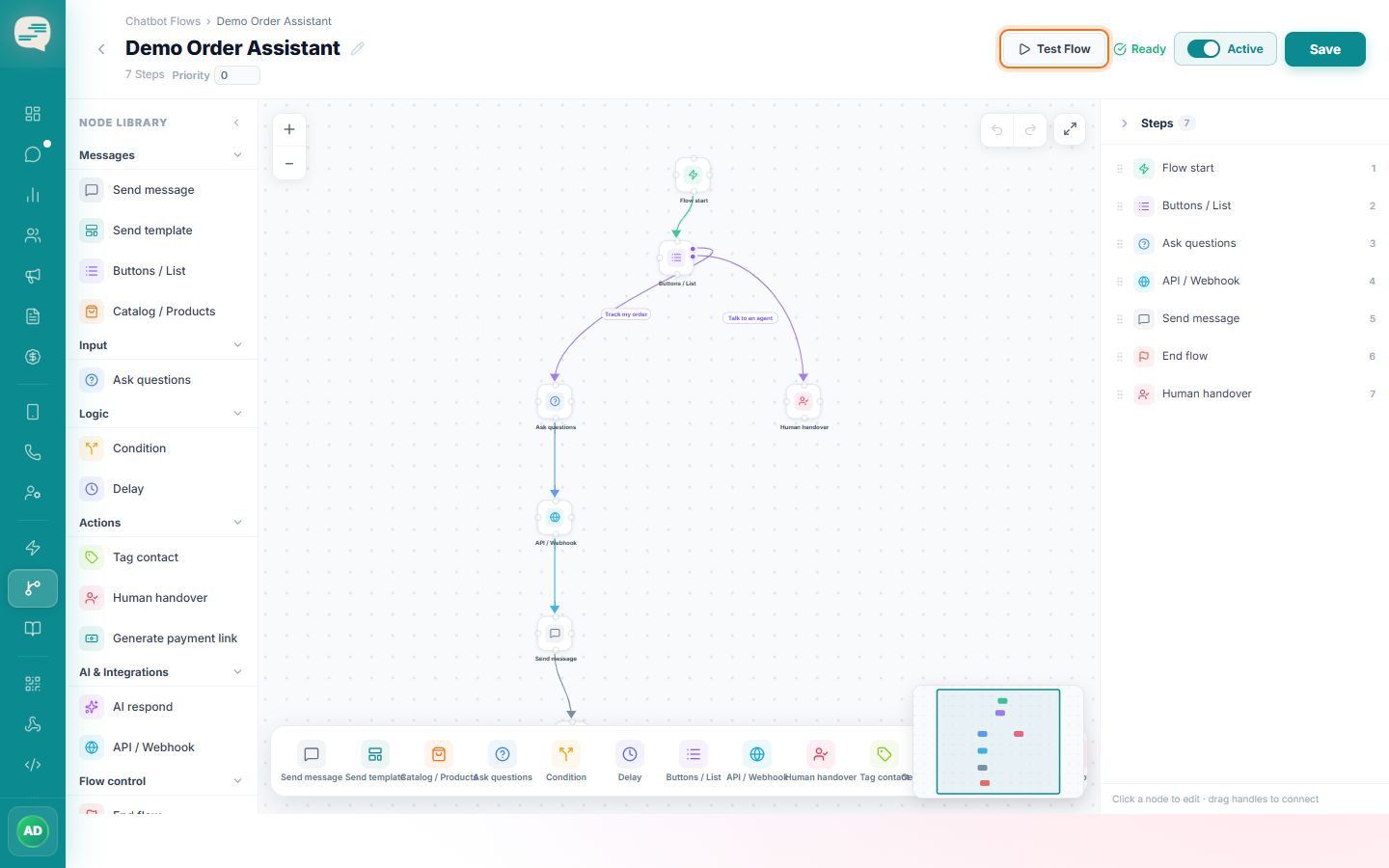
Click Test Flow
This simulates the entire step graph and shows a step-by-step trace of what would happen — without sending anything real to a customer.
2
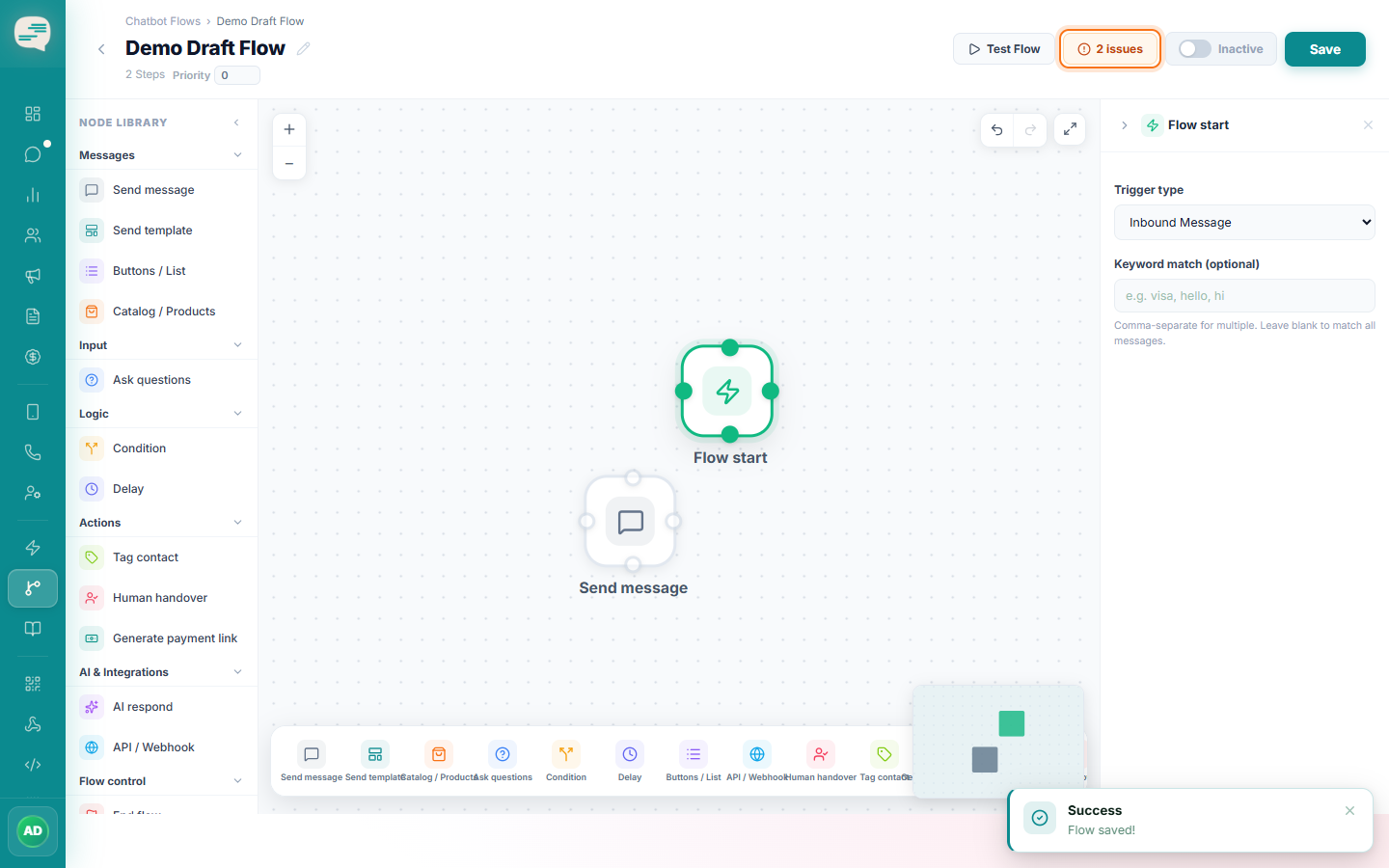
Fix anything flagged
Activation is blocked if the flow has real problems: disconnected steps, missing message text, missing button labels, or a missing webhook URL.
3
Activate
Once it passes, toggle the flow to Active. It will now run automatically whenever its trigger fires.