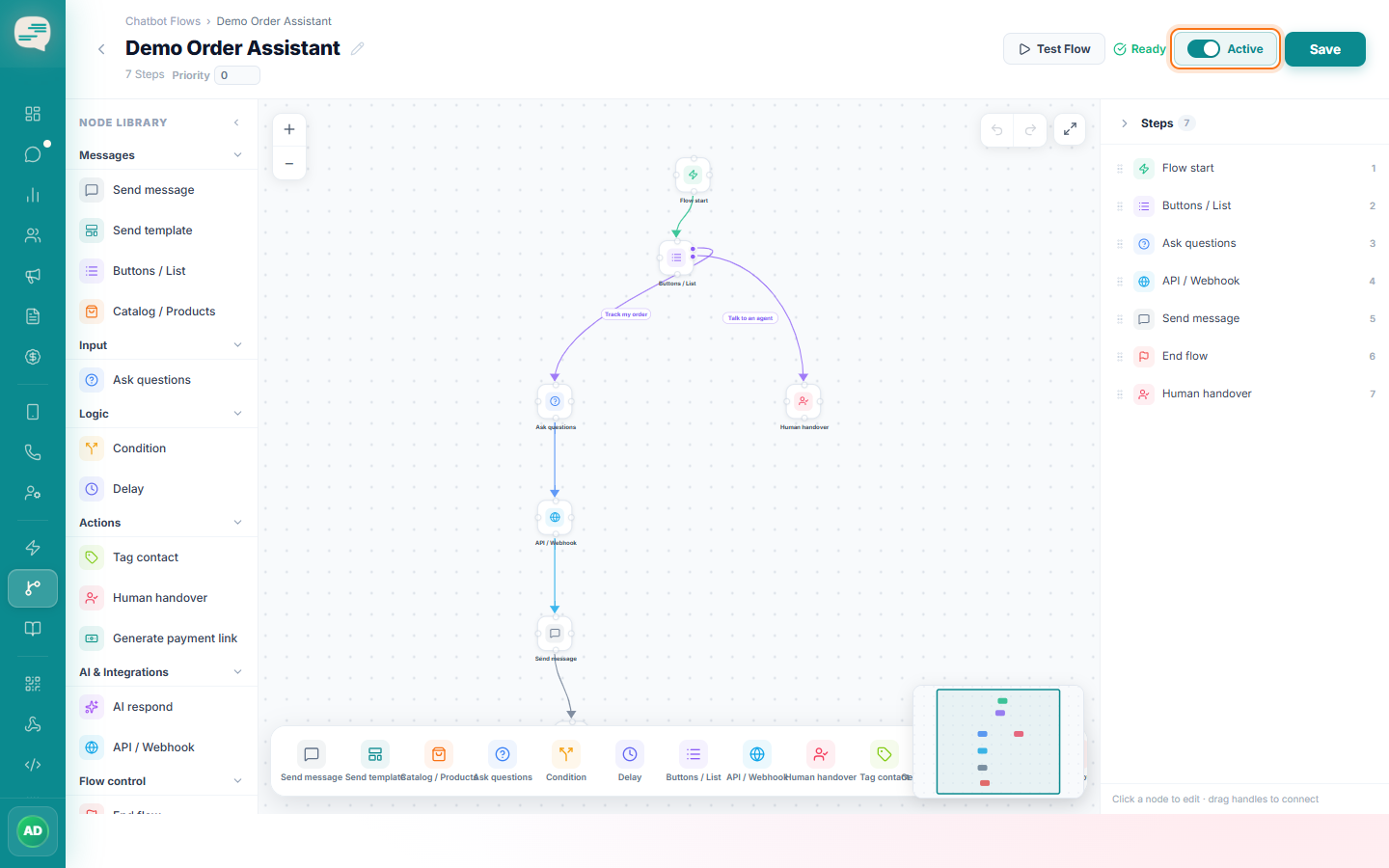
How to Create a WhatsApp Chatbot
Start a new chatbot flow and choose what triggers it to run.
Beginner 3 min read
Tutorial video coming soon
What You'll Learn
In this tutorial you'll learn:
- Create a new flow and set its trigger
Step-by-Step Guide
1
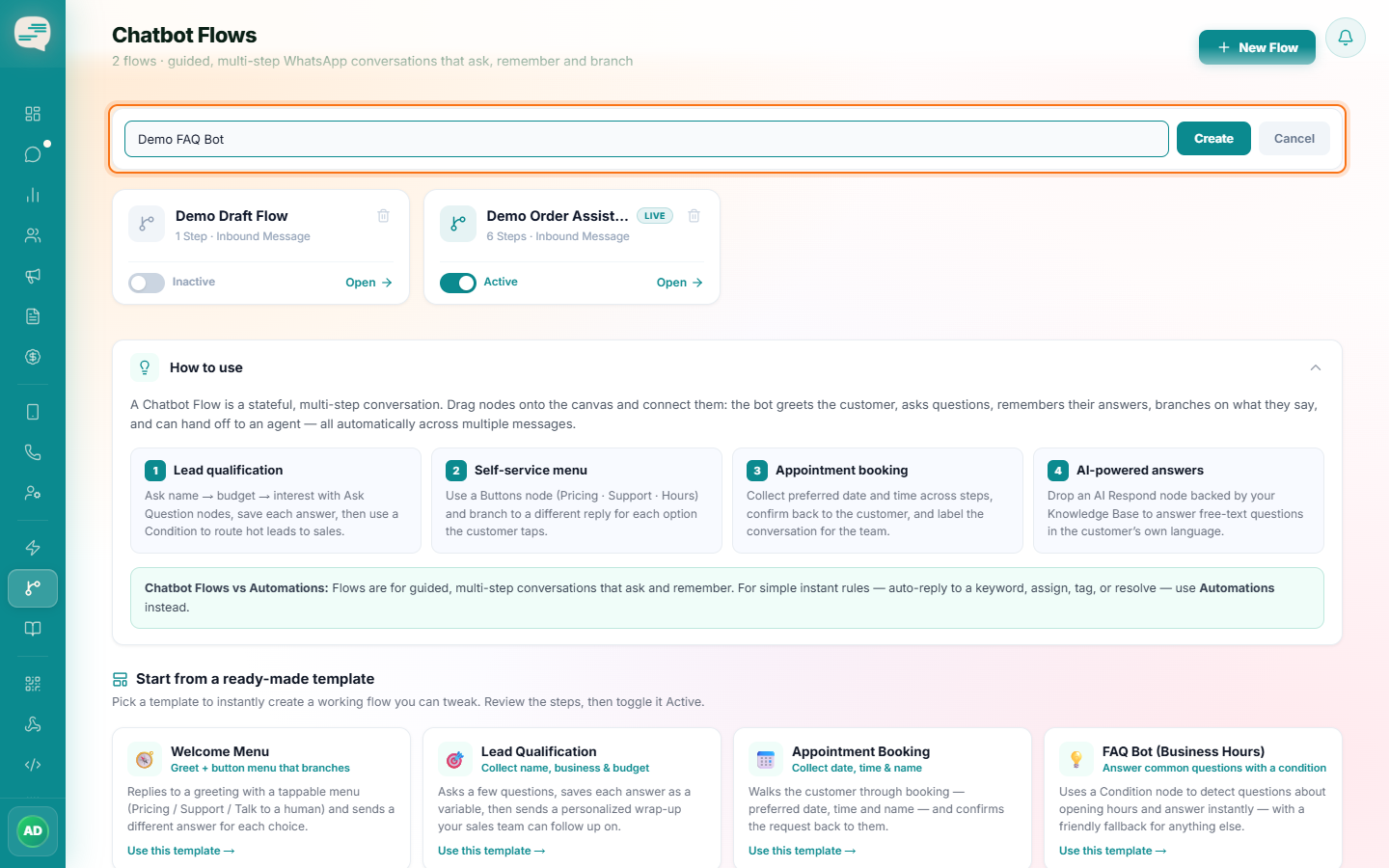
Create a new flow
Dashboard → Flows → New Flow
Give it a name — you'll build the conversation logic on the canvas next.
2
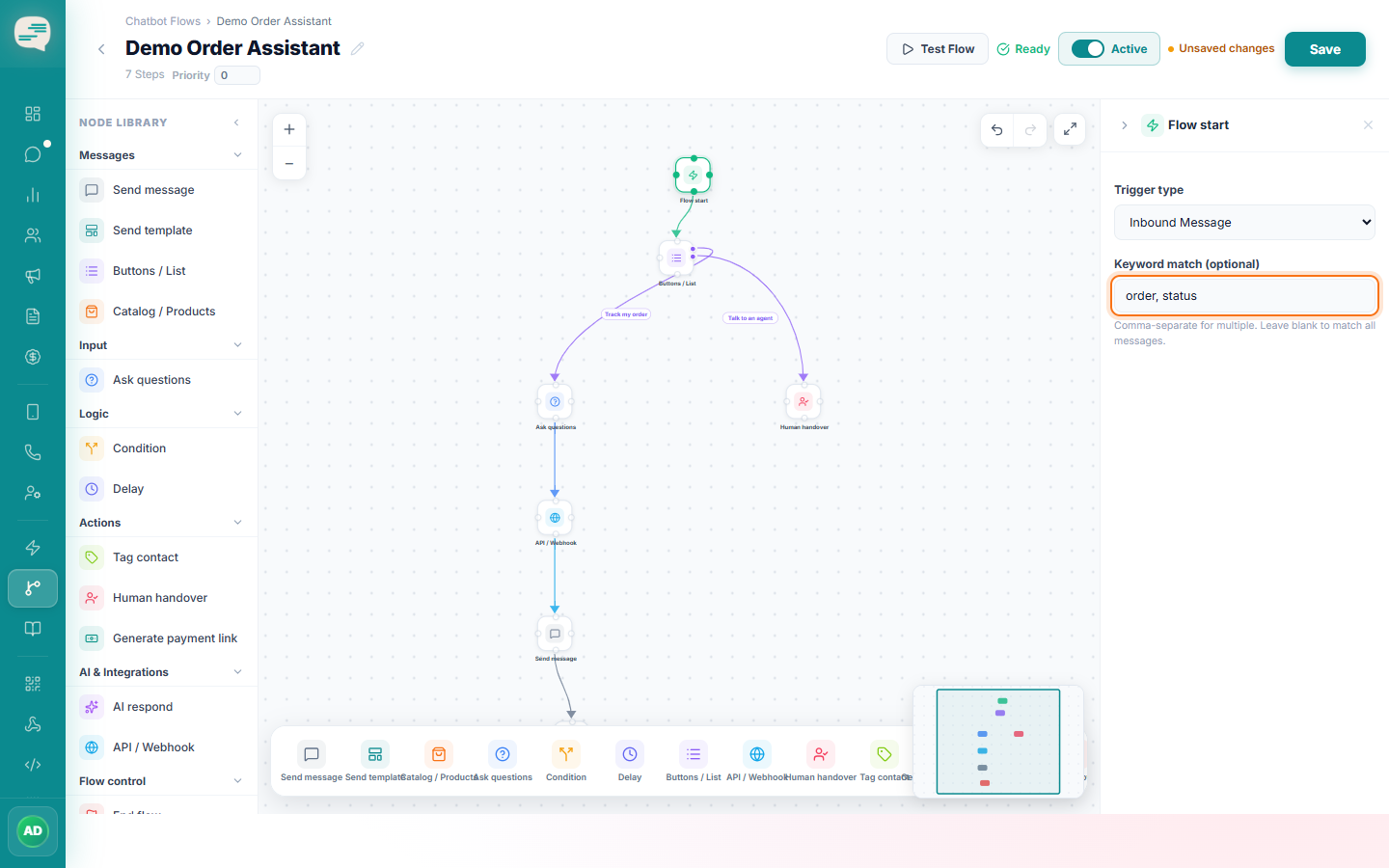
Set the trigger
Choose Inbound Message (the flow reacts every time a message arrives), and optionally add specific keywords so the flow only starts when a matching word appears.
3
Activate when ready
A flow doesn't run until you switch it on — build and test it first (see Test & Publish a Chatbot).