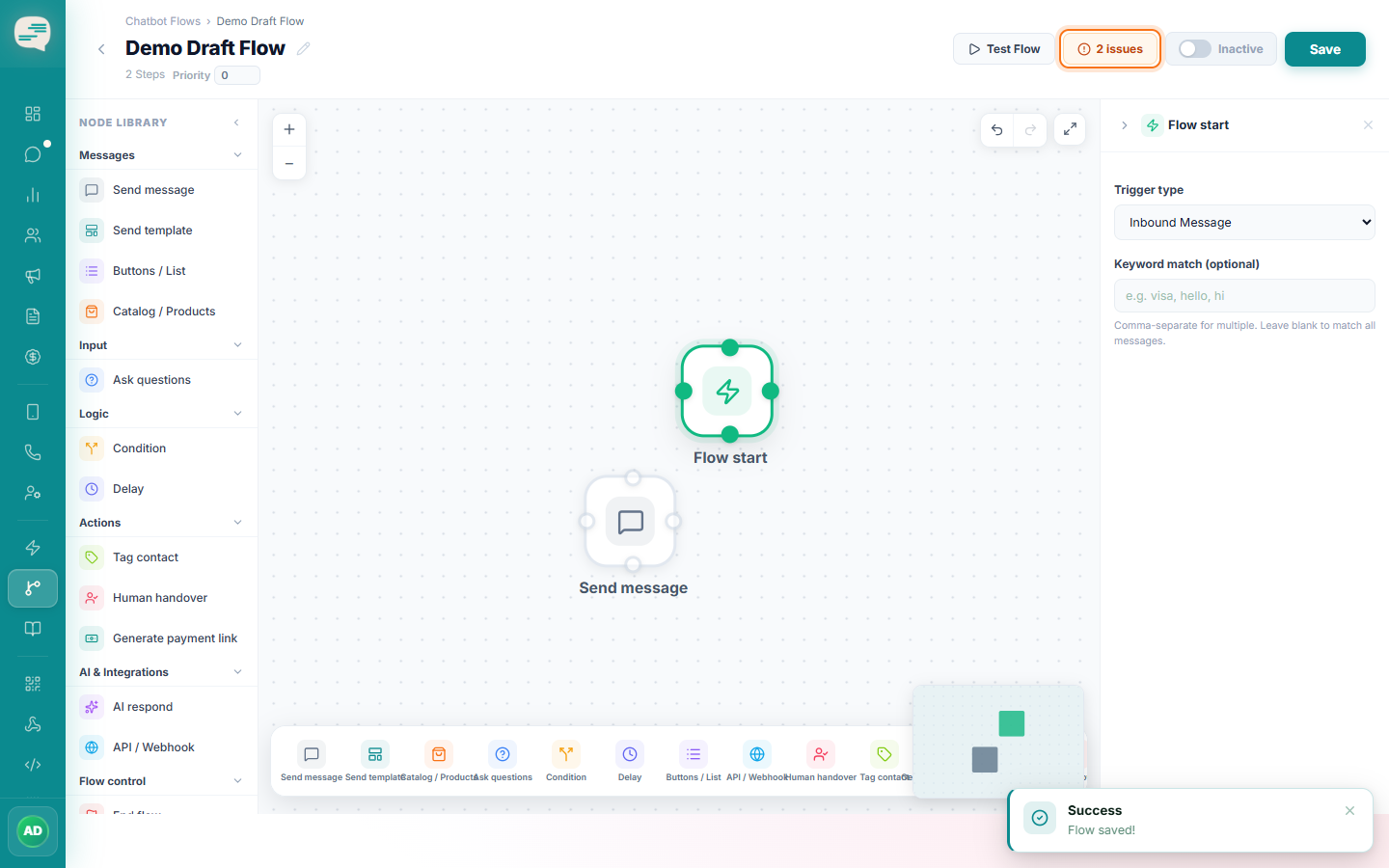
How to Build a Chatbot Flow
Use the visual, drag-and-drop canvas to design a multi-step chatbot conversation.
Intermediate 6 min read
Tutorial video coming soon
What You'll Learn
In this tutorial you'll learn:
- Add steps from the node library
- Connect steps together into a working conversation
Prerequisites
Before you start:
- A flow already created
Step-by-Step Guide
1
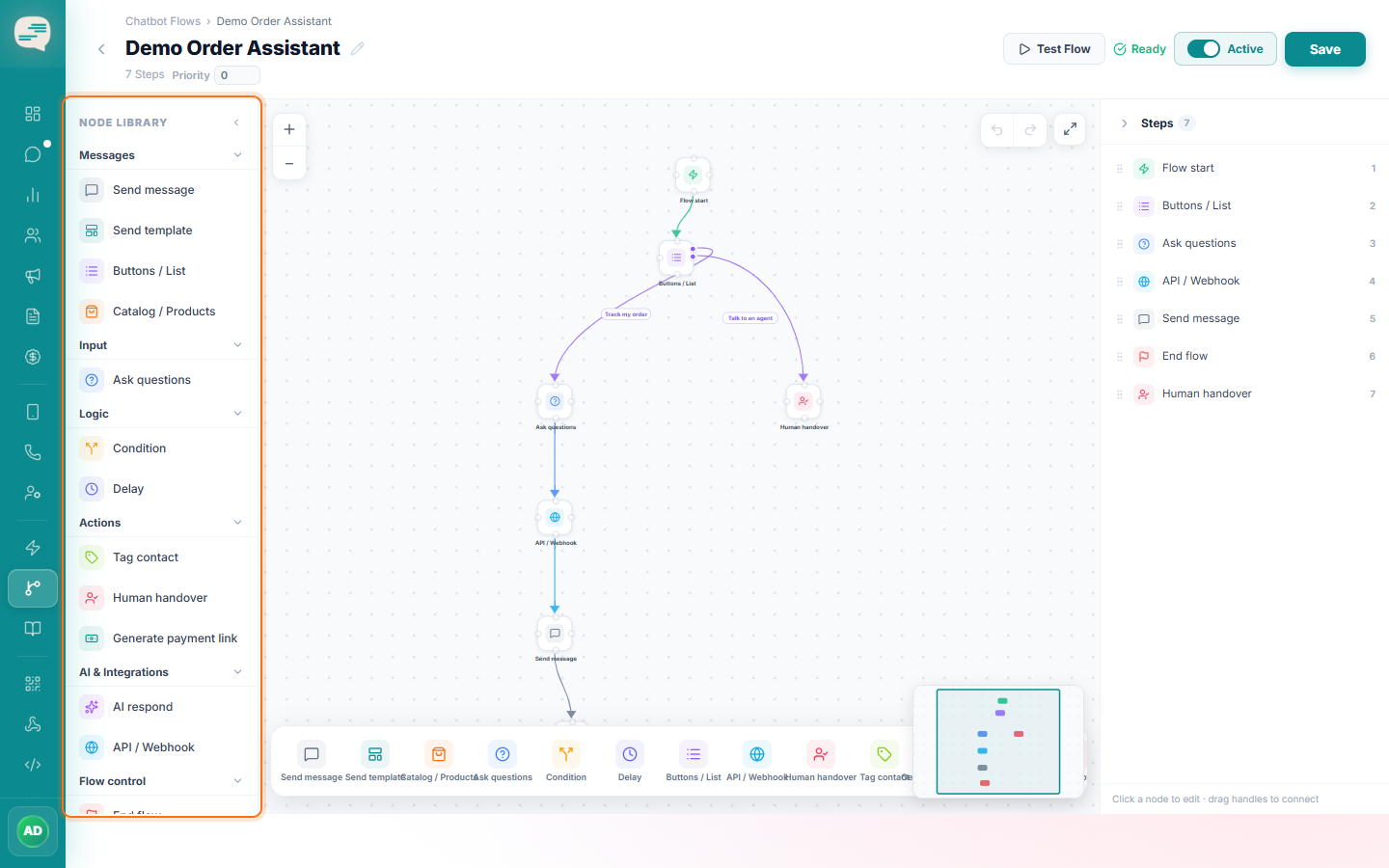
Open the node library
The left sidebar organises available steps by category: Messages, Input, Logic, Actions, and AI & Integrations.
2
Drag steps onto the canvas
Add a Send Message step, an Ask Question step to capture a reply, a Condition step to branch, and any other steps your conversation needs.
3
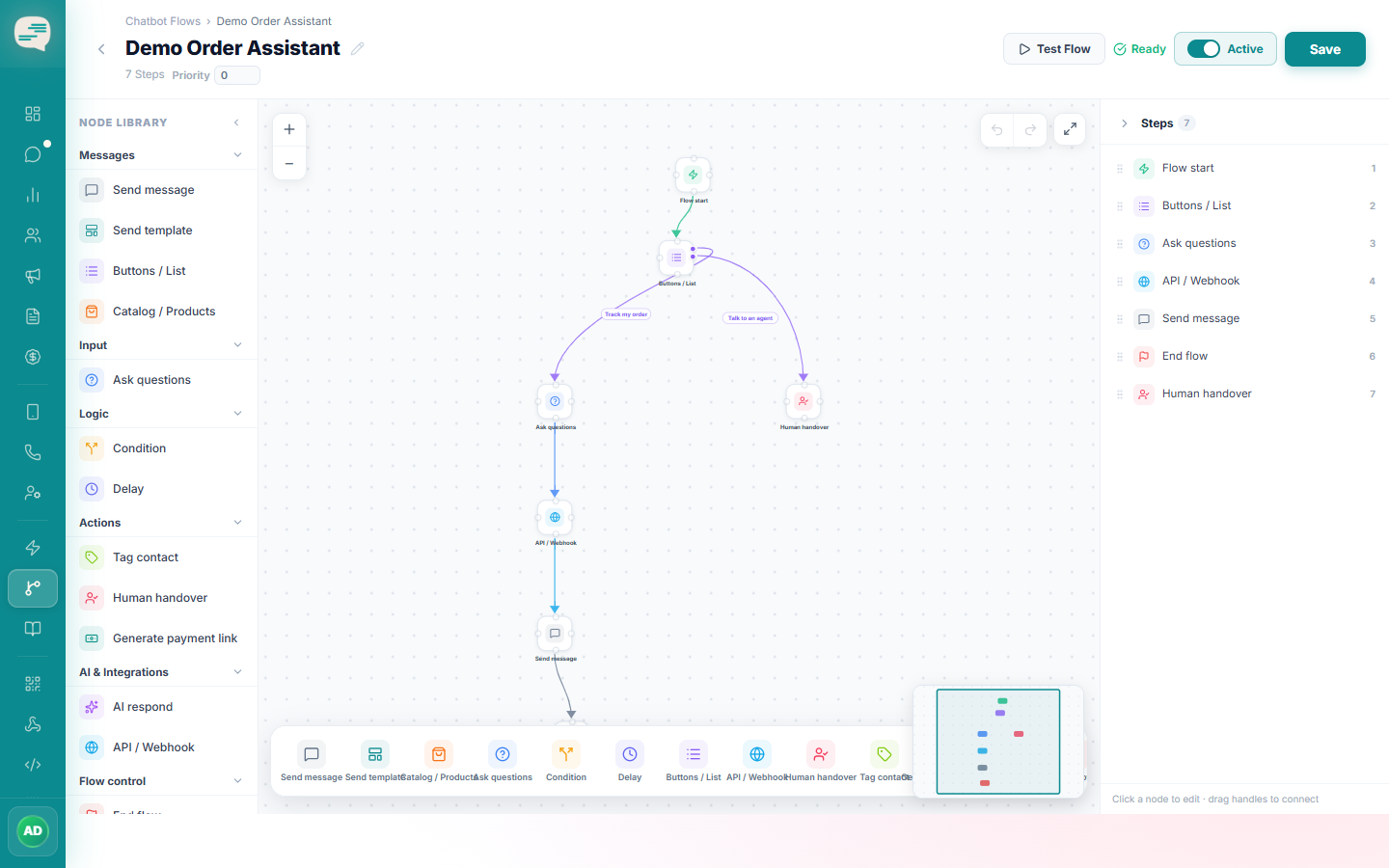
Connect the steps
Drag from the bottom of one step to the top of the next to wire the conversation together.
4
Check the validation panel
The builder flags problems like disconnected steps or missing message text before you can activate the flow.