How to Automatically Assign Conversations
Set up a rule that assigns new conversations to your team automatically, load-balanced across active agents.
Intermediate 3 min read
Tutorial video coming soon
What You'll Learn
In this tutorial you'll learn:
- Add an Assign Agent action with a load-balanced or specific-agent strategy
Prerequisites
Before you start:
- At least one automation rule to attach the action to
Step-by-Step Guide
1
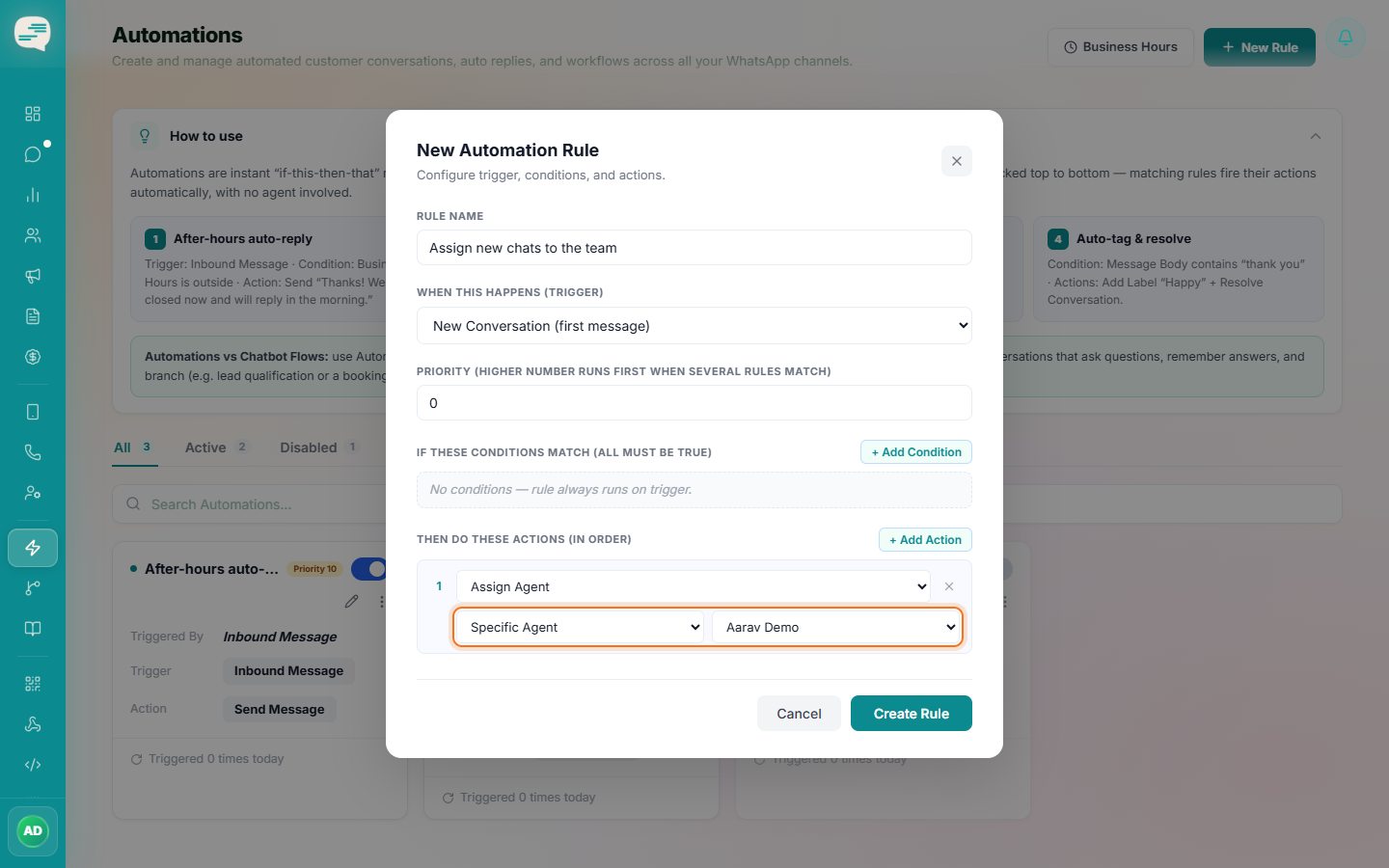
Add an Assign Agent action to a rule
Inside an automation rule (typically triggered on New Conversation), add an Assign Agent action.
2
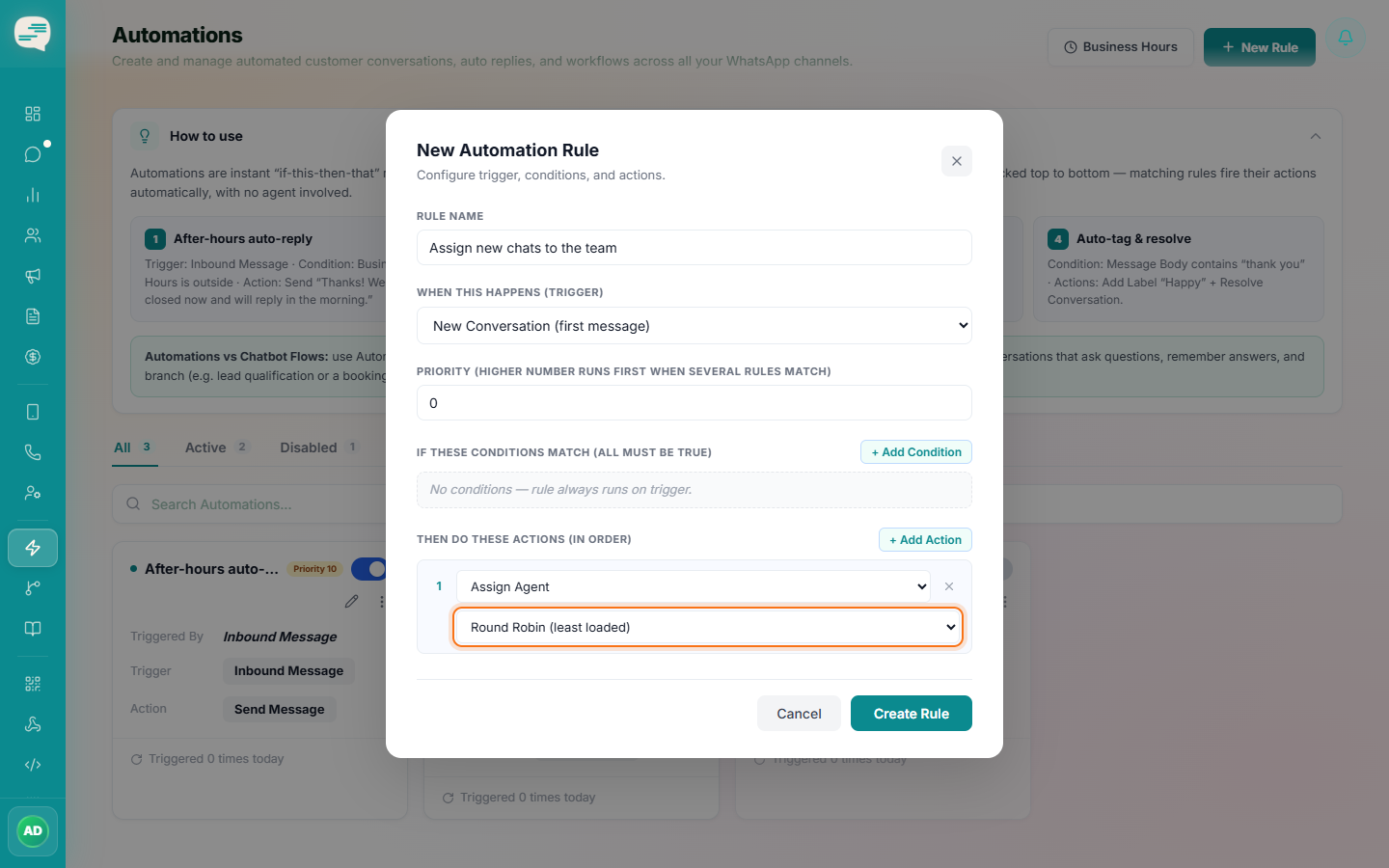
Choose a strategy
"Round Robin" assigns to whichever active agent currently has the fewest open conversations — it's a load-balancing strategy, not a strict rotating order. Alternatively, choose "Specific Agent" to always assign to one named person.