

WhatsApp Template Best Practices
Meta's guidelines and practical tips to get your templates approved on the first try.
Beginner 3 min read
Tutorial video coming soon
What You'll Learn
In this tutorial you'll learn:
- Avoid the most common causes of template rejection
Step-by-Step Guide
1
Match content to category
Vague or promotional-sounding content submitted under Utility is one of the most common rejection reasons — keep Utility templates strictly transactional.
2
Never request sensitive data
Templates can't request financial details, health information, or government IDs.
3
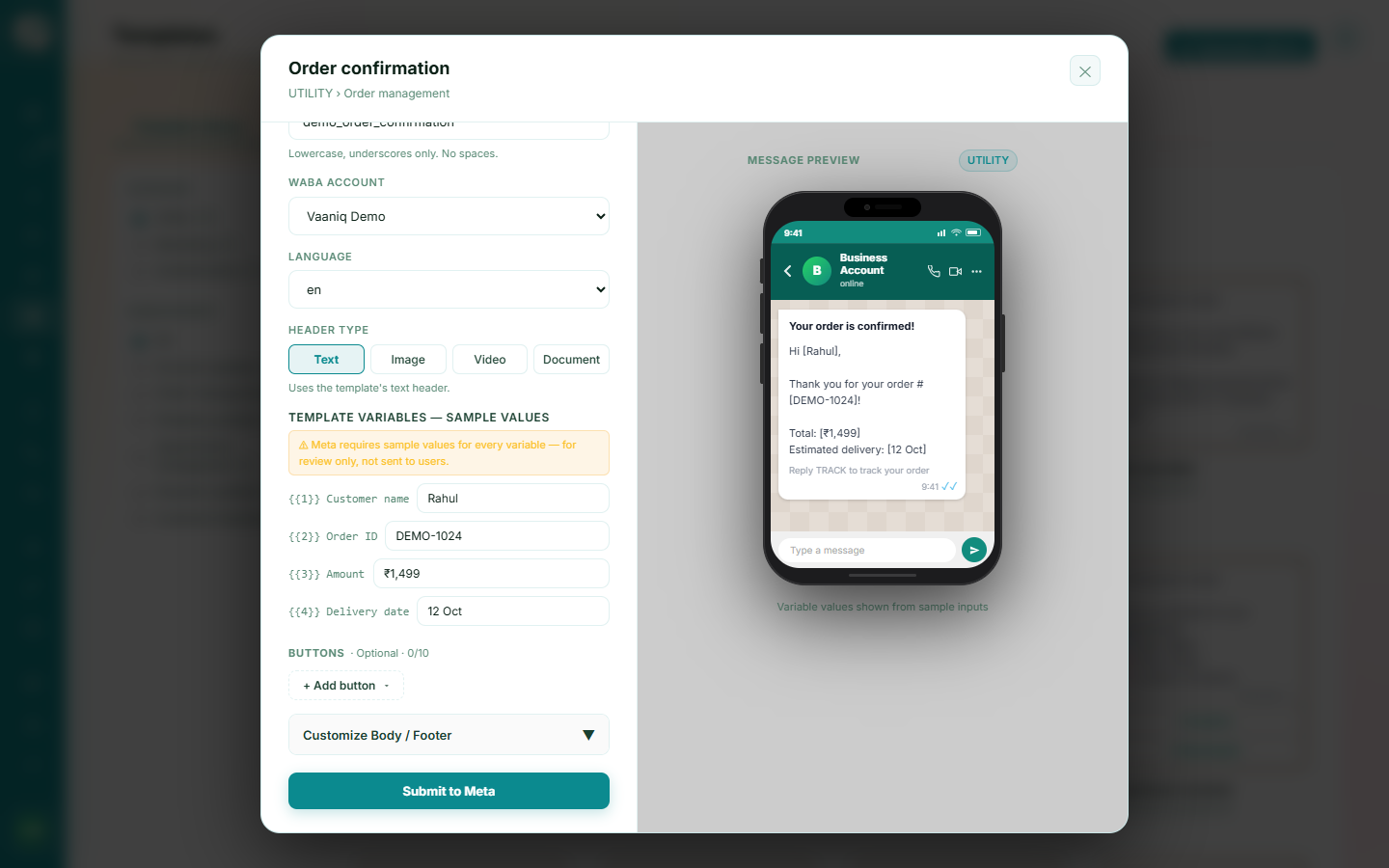
Give variables real example values
When submitting, provide realistic example values for every {{1}}, {{2}} variable so Meta's reviewers can evaluate real usage.
4
Keep display names and content honest
Avoid unverifiable claims (like "Official" or "Certified") unless your business has completed Meta Business Verification.