

How to Use Variables in WhatsApp Templates
Personalise templates with {{1}}, {{2}} style variables that get filled in per recipient.
Beginner 3 min read
Tutorial video coming soon
What You'll Learn
In this tutorial you'll learn:
- Add a variable placeholder to a template body or header
- Avoid a common Meta rejection reason
Step-by-Step Guide
1
Add a placeholder
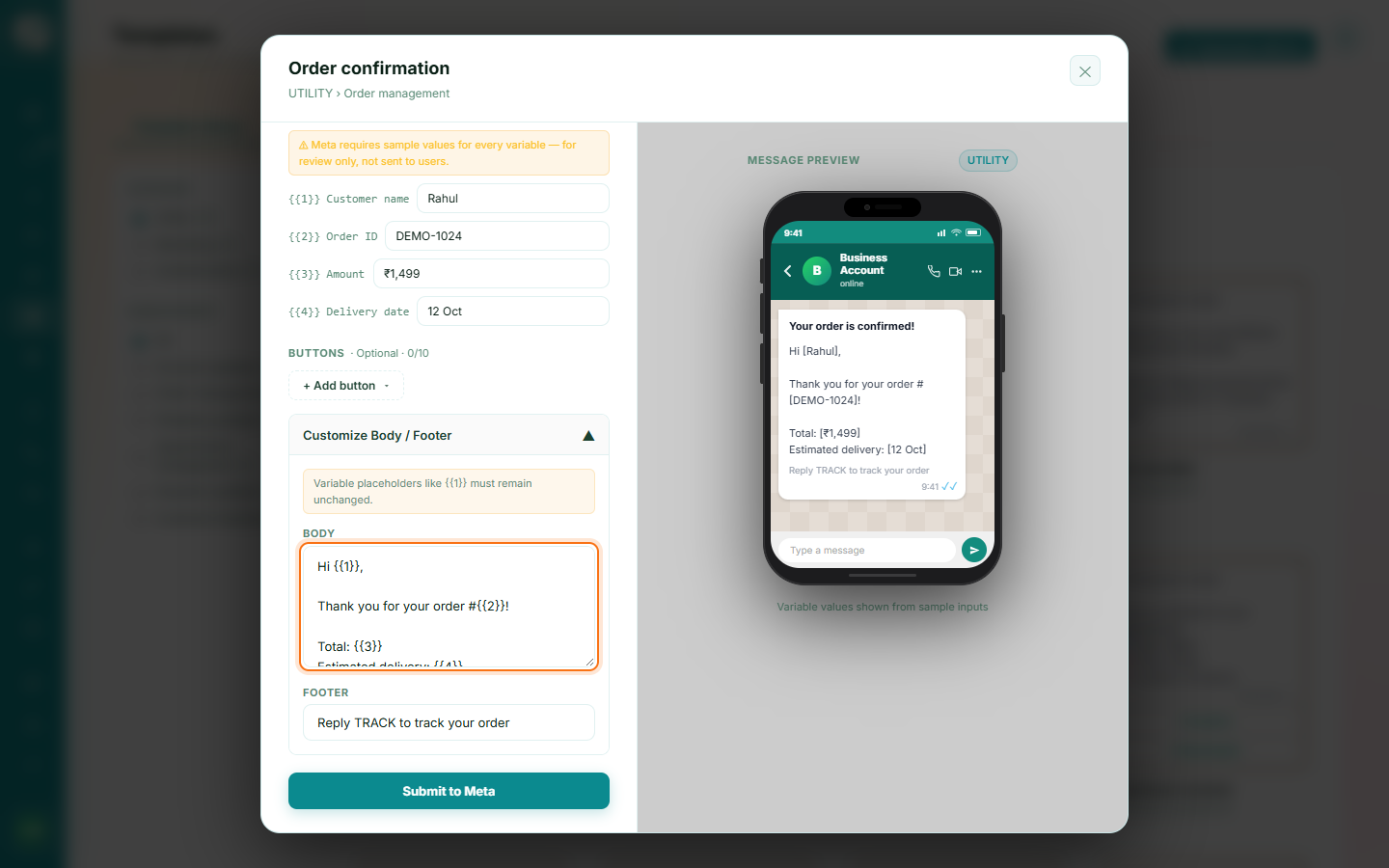
Use {{1}}, {{2}}, and so on anywhere in the body or header text where you want personalised content to appear.
2
Avoid ending the body on a variable
Vaaniq checks this before submission and will stop you if the body text ends directly on a variable placeholder — this is a common Meta rejection reason, so add a closing word or punctuation after it.