How to Use AI to Generate WhatsApp Templates
Describe what you need and let AI draft a ready-to-review template body for you.
Beginner 3 min read
Tutorial video coming soon
What You'll Learn
In this tutorial you'll learn:
- Generate a template draft with AI
- Understand that the tone adapts to the chosen category
Step-by-Step Guide
1
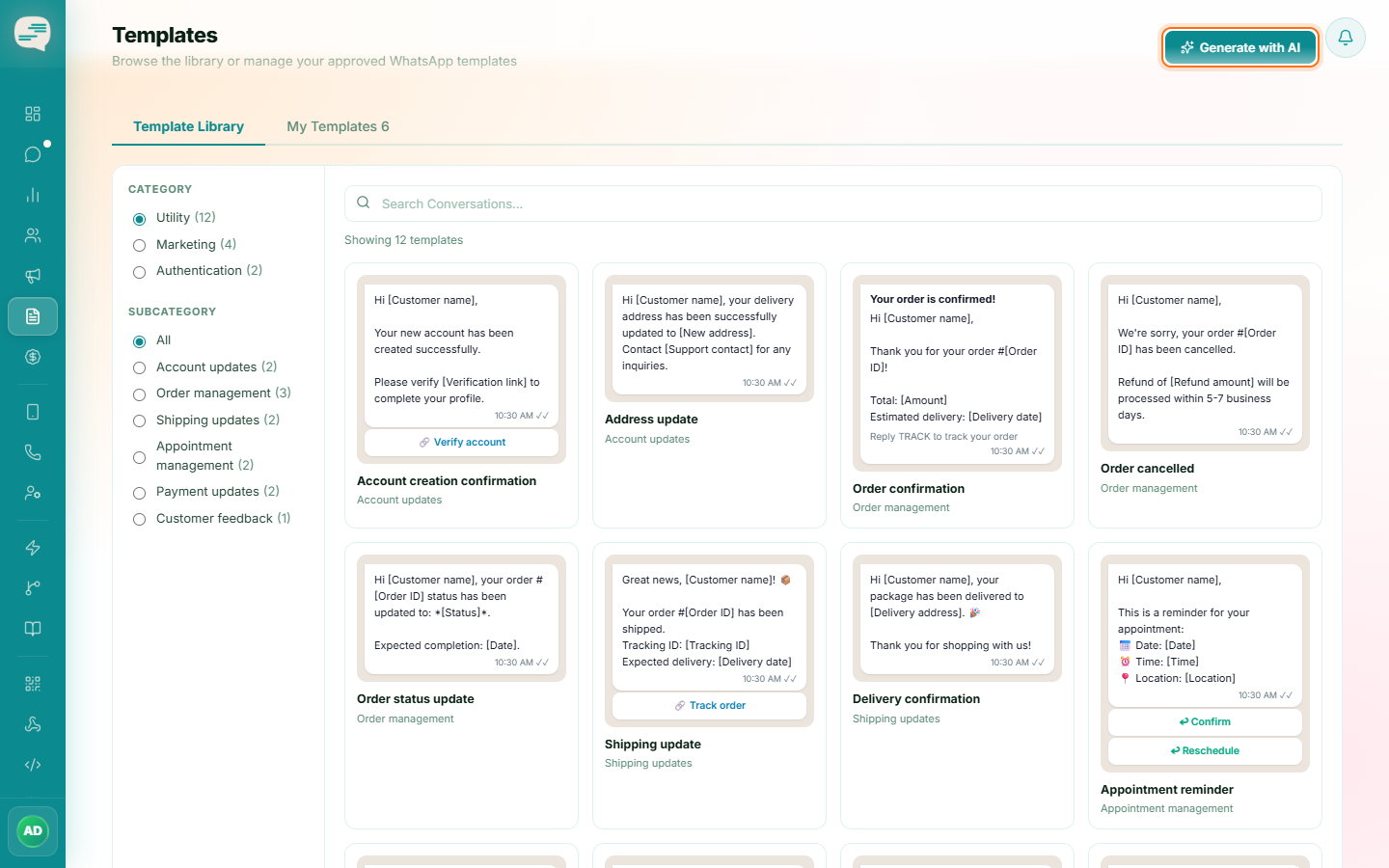
Click Generate with AI
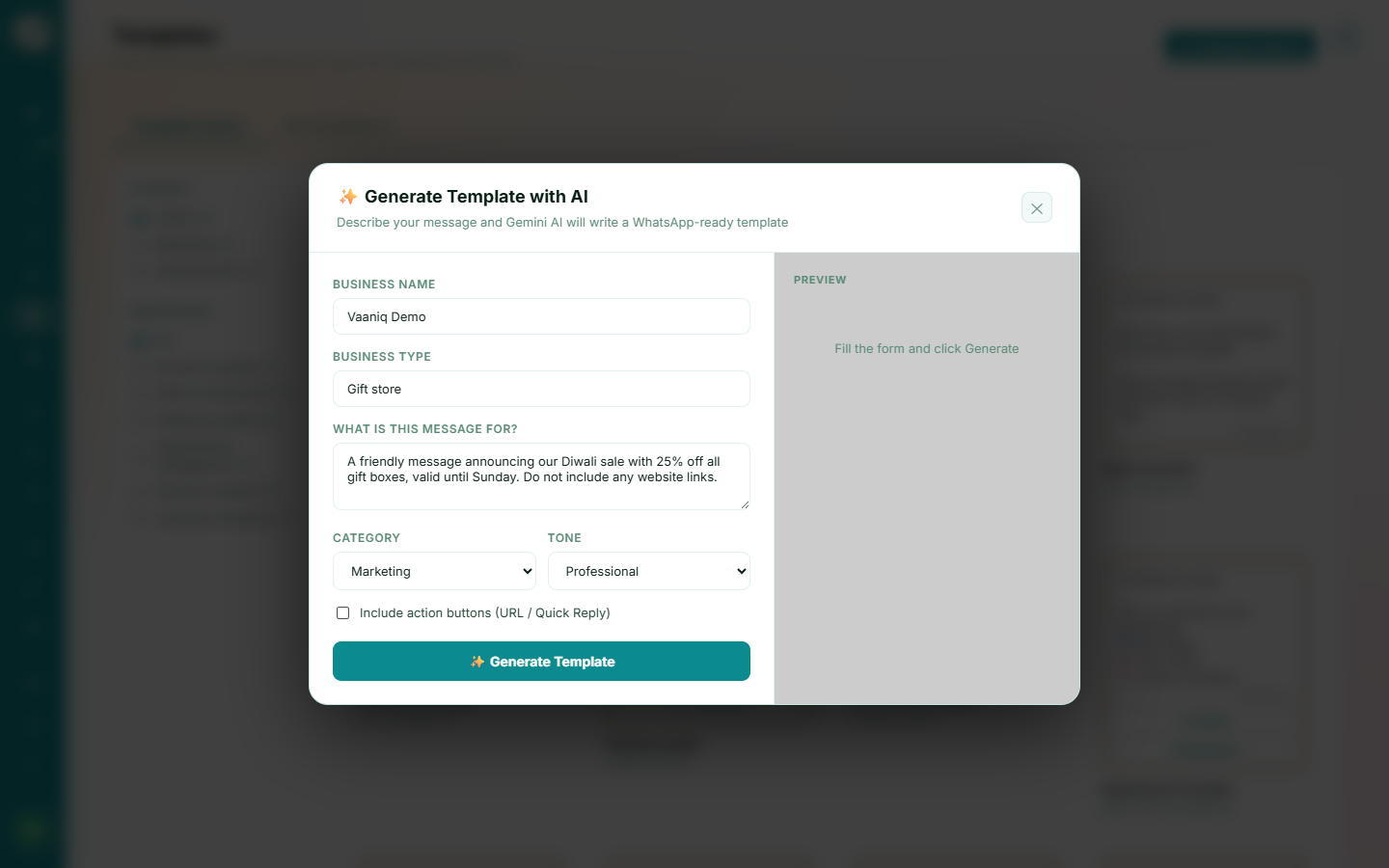
While creating a template, click Generate with AI and describe what you need in plain language.
2
Review the result
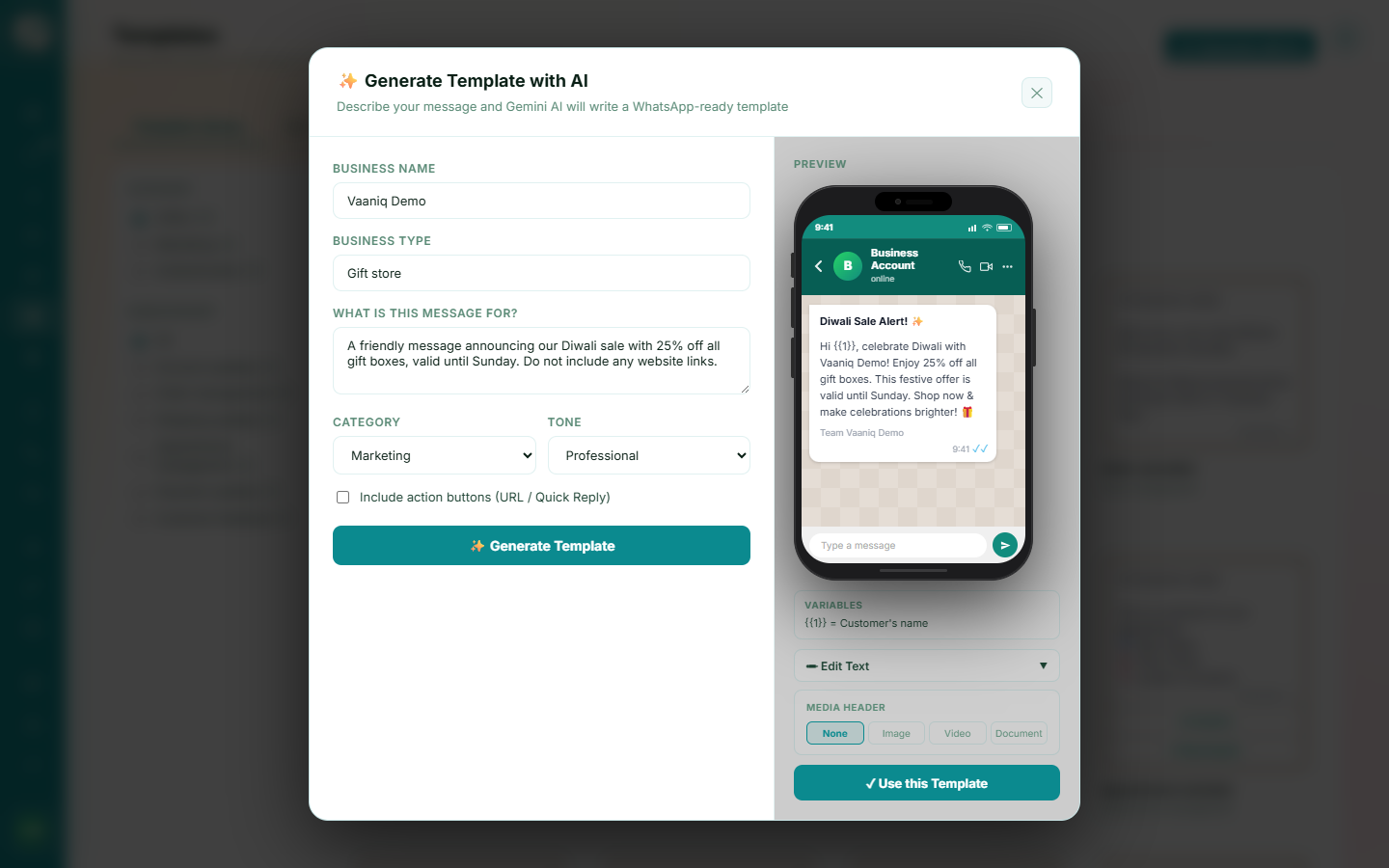
AI drafts a body (with variables where appropriate) tuned to your chosen category — playful and promotional for Marketing, factual and non-promotional for Utility, short and secure for Authentication. Review and edit before submitting.