How to Submit a Template for Meta Approval
What happens when you submit a template, the real status flow, and how to check current approval status.
Beginner 3 min read
Tutorial video coming soon
What You'll Learn
In this tutorial you'll learn:
- Understand the real template status flow
- Refresh a template's status from Meta
Step-by-Step Guide
1
Submit
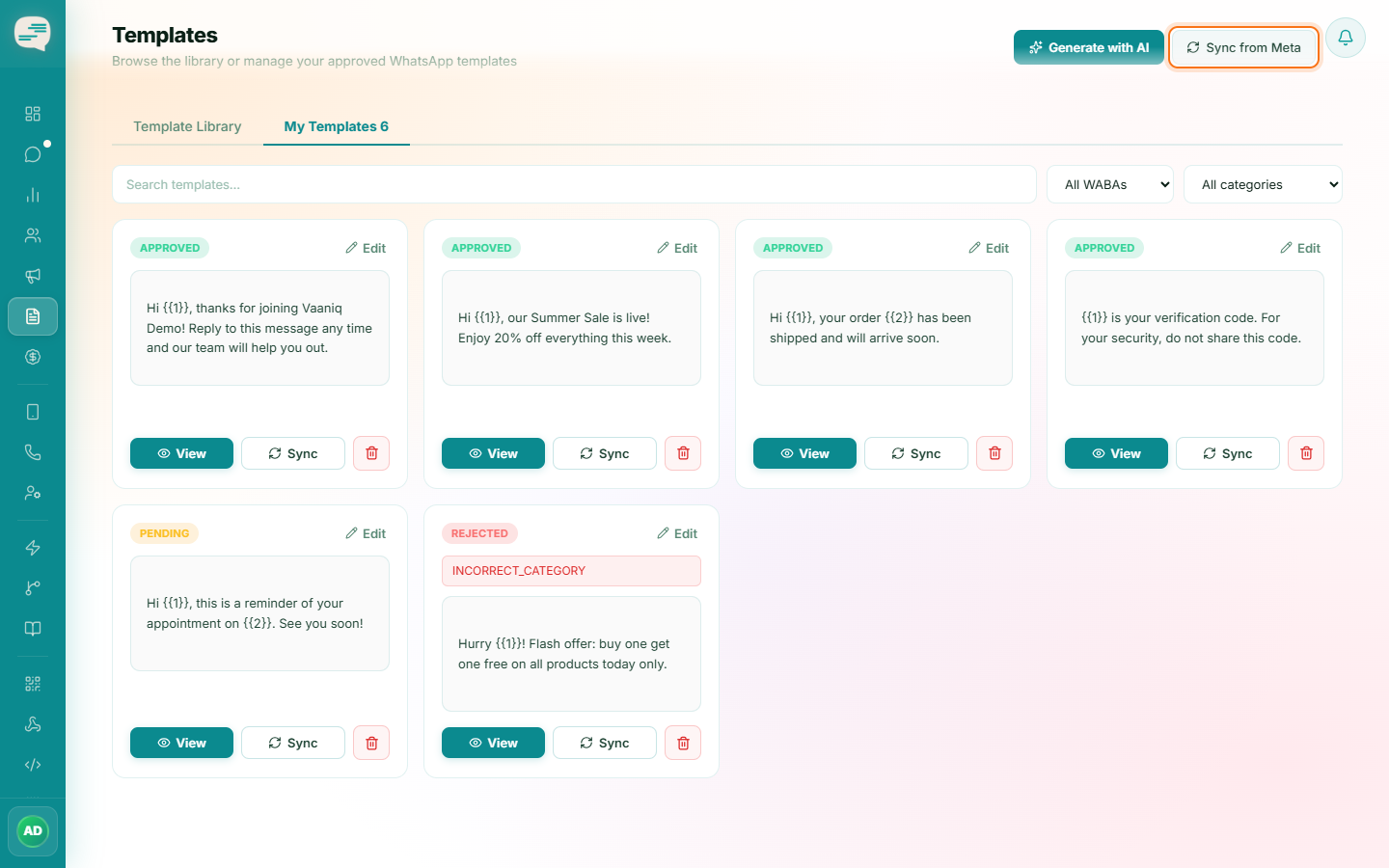
Creating a template submits it to Meta immediately. Its status starts at Pending — there is no draft state to save and submit later.
2
Wait for review
Meta typically reviews within minutes to a few hours, occasionally longer. The status updates to Approved or Rejected.
3
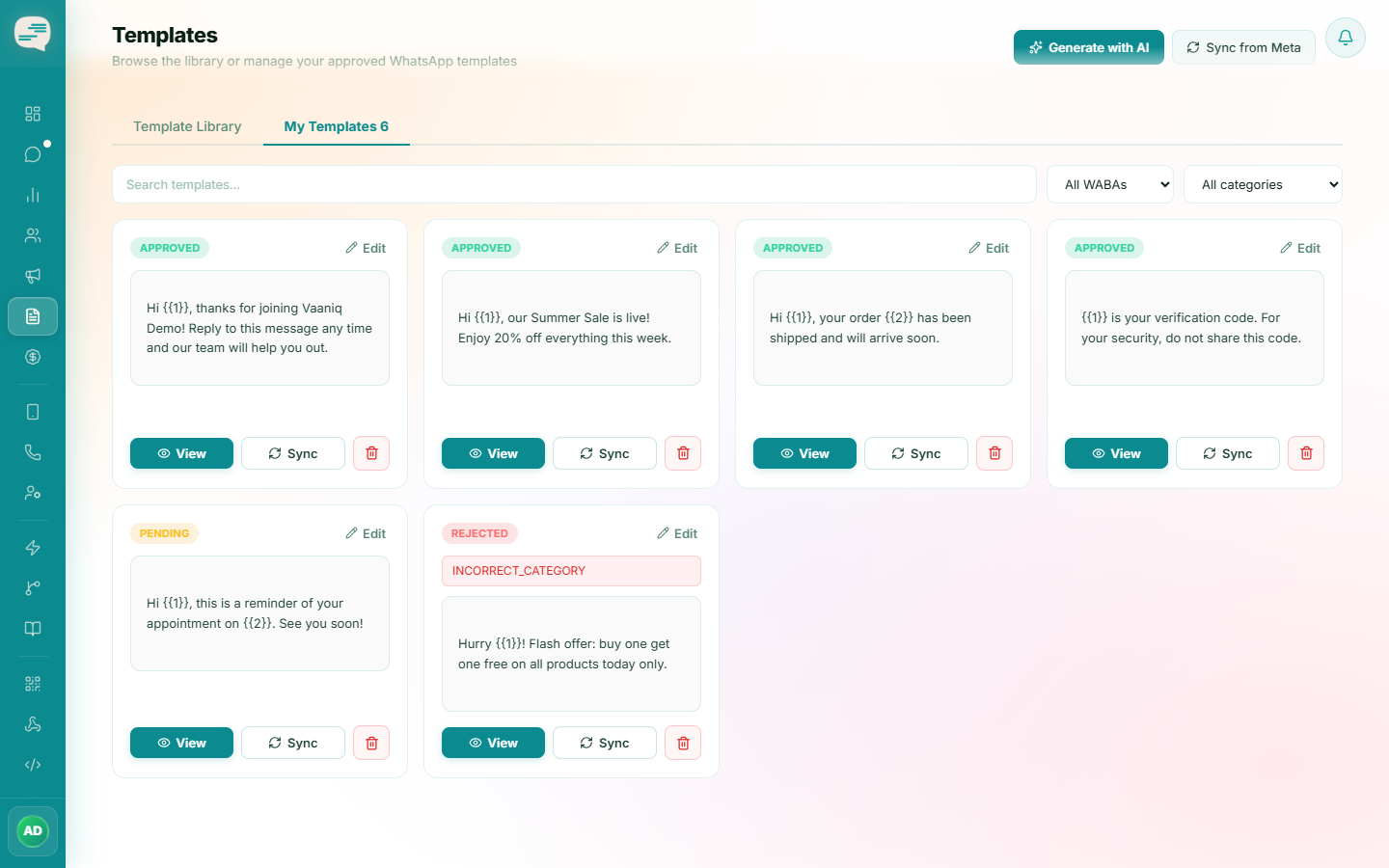
Sync status manually if needed
Dashboard → Templates
Use the sync option on the Templates page to pull the latest status directly from Meta at any time.