

Understanding Marketing, Utility & Authentication Templates
The three WhatsApp template categories, what each is for, and how they're priced and rate-limited differently.
Tutorial video coming soon
What You'll Learn
In this tutorial you'll learn:
- Know which category fits a given message
- Understand that Meta reviews content against the chosen category
Step-by-Step Guide
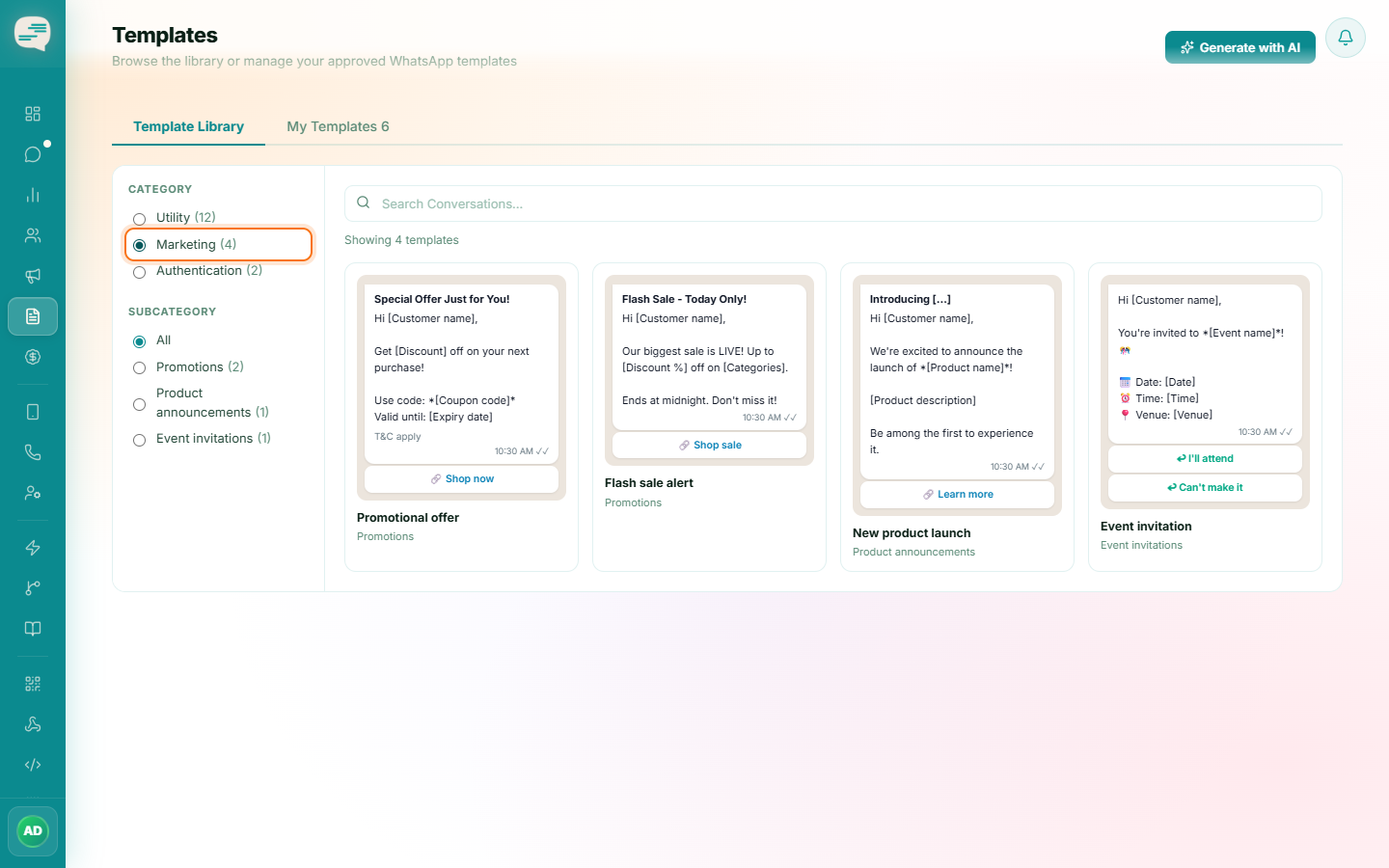
Marketing
Promotions, offers, and announcements. The most flexible category in tone, but also the most rate-limited and the most closely reviewed for spam-like content.
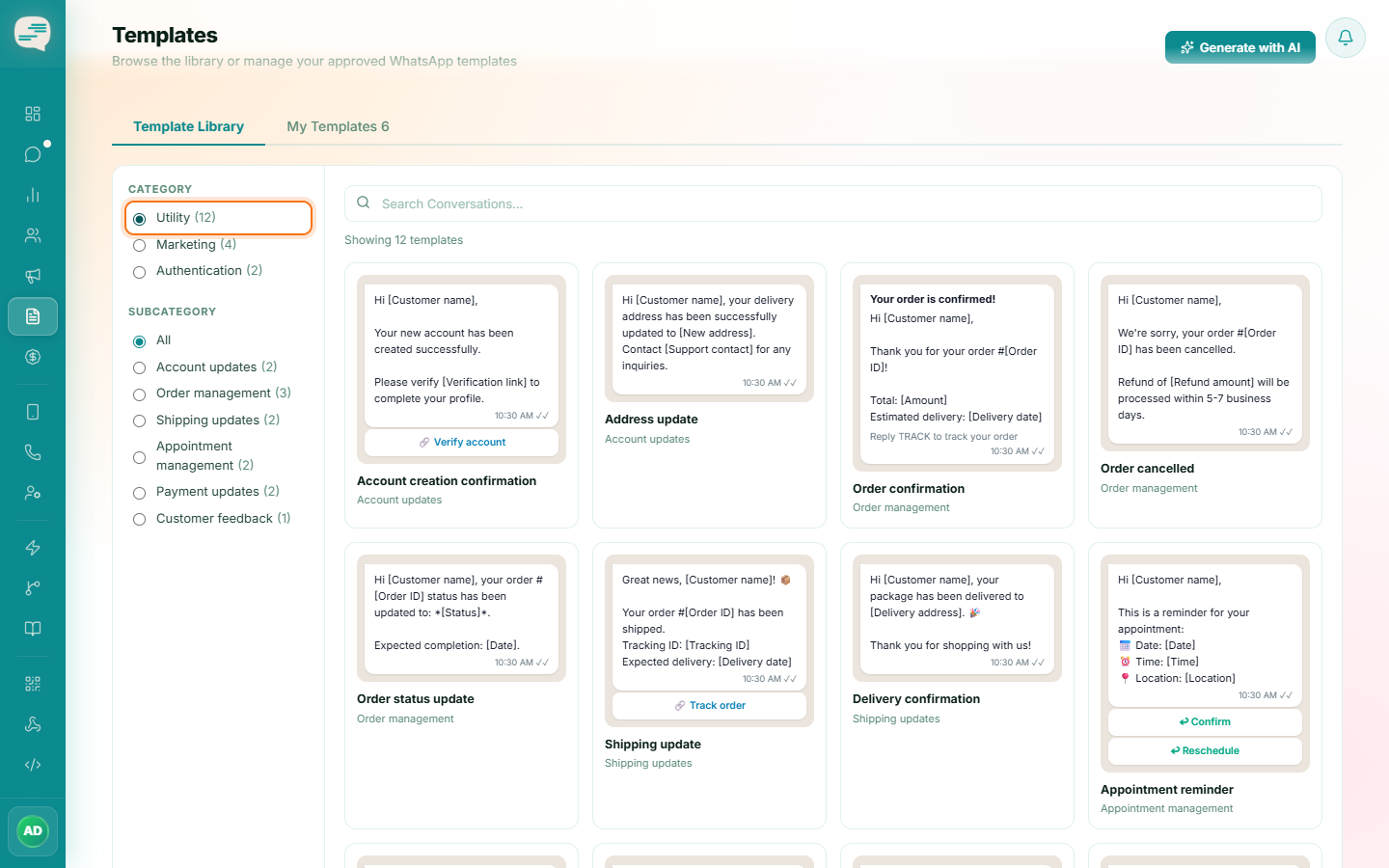
Utility
Transactional, account-related updates — order confirmations, delivery status, appointment reminders. Must stay factual and non-promotional; Meta may reject or re-categorise a Utility template that reads as marketing.
Authentication
One-time passcodes and account verification. Kept short and secure by design — no promotional content is allowed at all.

A template's category is set and locked at approval and directly drives billing — keep Utility templates strictly transactional.