

How to Pause & Resume a Campaign
Stop a running campaign mid-send and pick it back up later without losing progress or resending anyone.
Beginner 2 min read
Tutorial video coming soon
What You'll Learn
In this tutorial you'll learn:
- Pause a running campaign and resume it later
Step-by-Step Guide
1
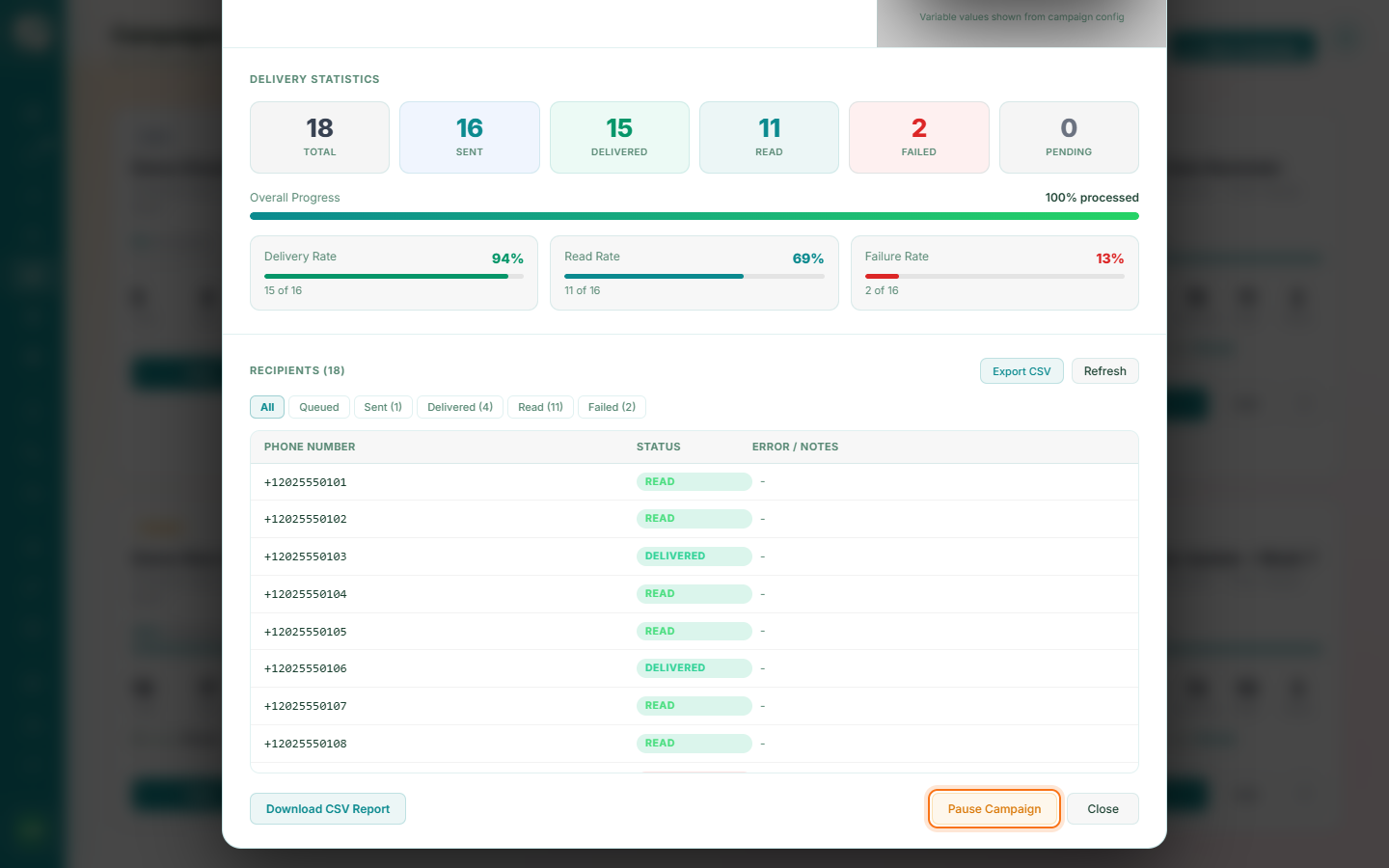
Pause
From a running or queued campaign, click Pause. The send halts promptly, between recipients — it doesn't wait for the whole current batch to finish.
2
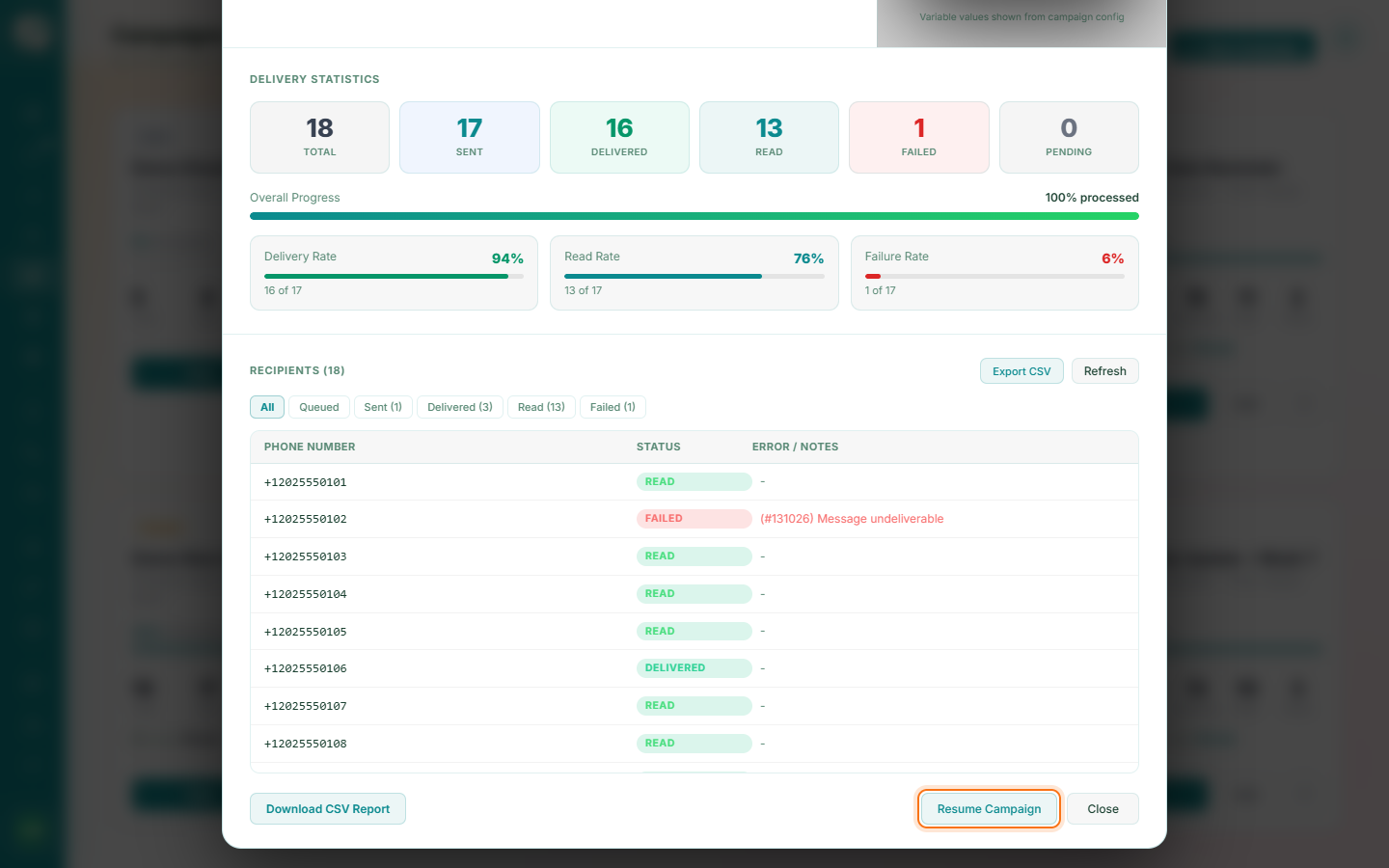
Resume
Click Resume to continue exactly where it left off. Recipients already sent to are not messaged again.
Tip
A campaign also pauses itself automatically if your wallet balance runs out mid-send.