

How to Select Contacts for a Campaign
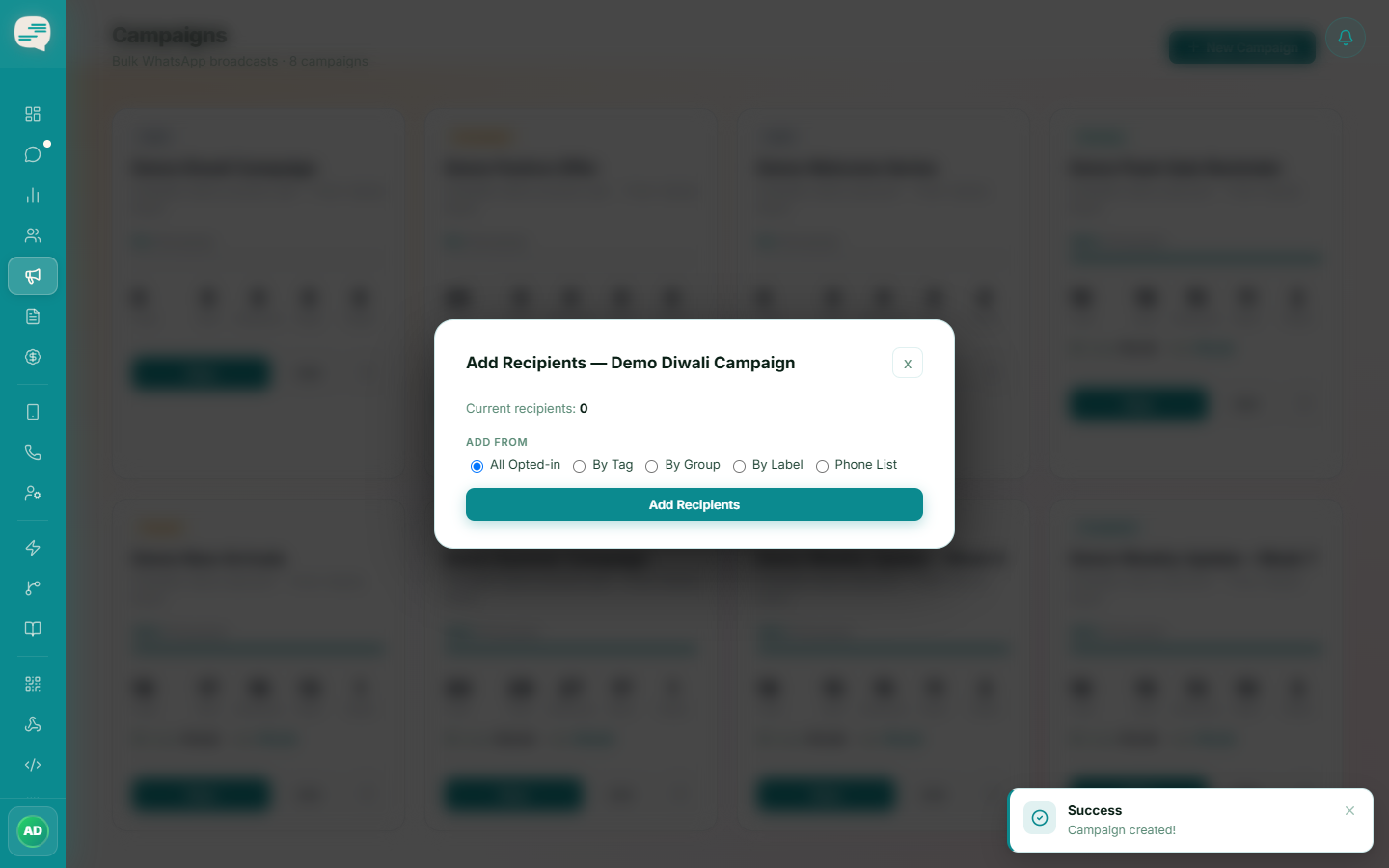
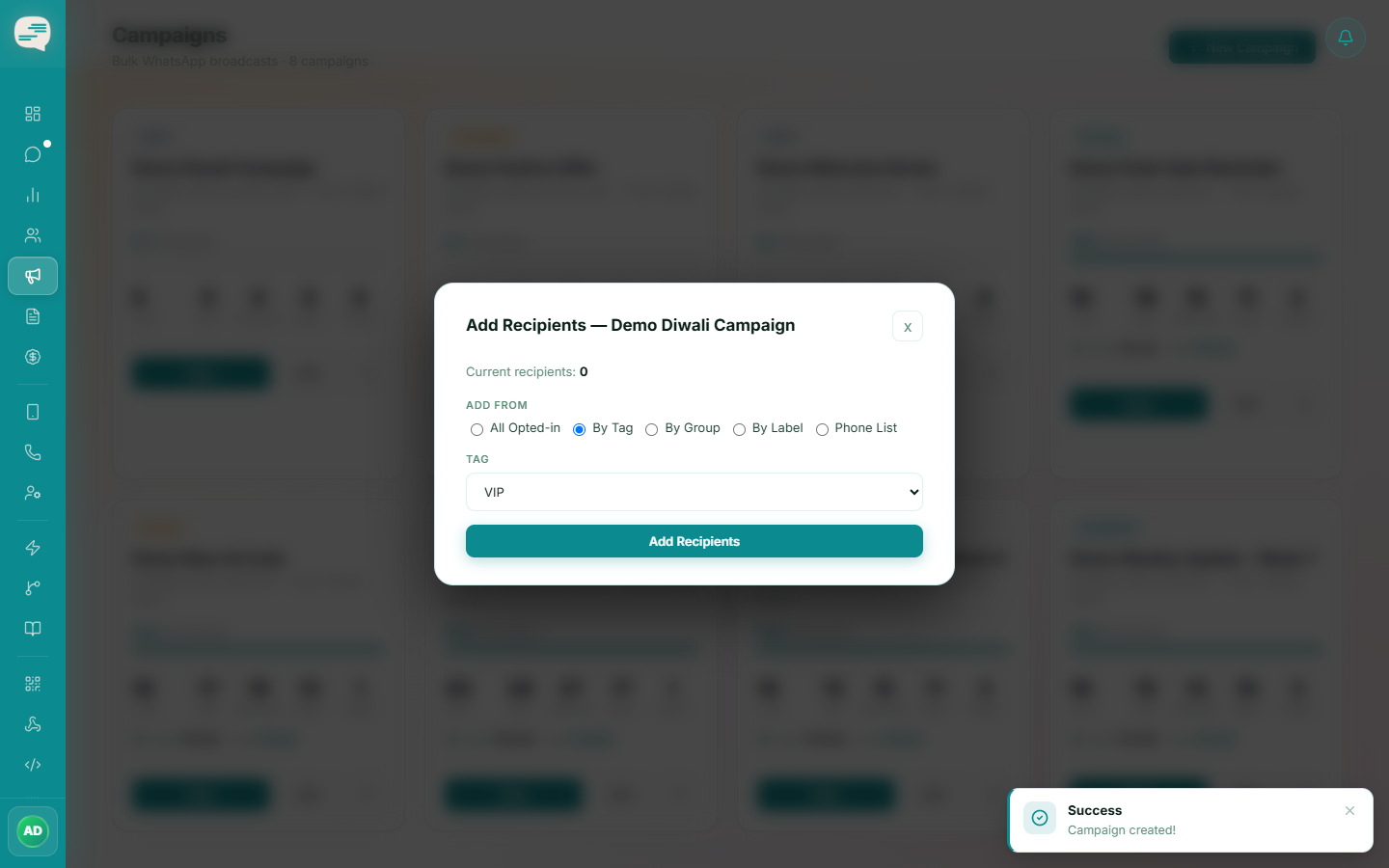
Five ways to build a campaign's recipient list: contacts by tag, by group, by conversation label, a direct phone list, or everyone opted in.
Beginner 3 min read
Tutorial video coming soon
What You'll Learn
In this tutorial you'll learn:
- Choose the right recipient source for a campaign
Step-by-Step Guide
1
Pick a recipient source
From a campaign's recipients screen, choose one of: a Tag, a Group, a conversation Label, a directly uploaded phone list, or "all opted-in contacts".
2
Only opted-in contacts are messaged
Recipients added by tag, group, label, or the "all opted-in" option only ever include contacts who've opted in. A directly uploaded phone list is still checked against opt-in status before sending, and any opted-out numbers are automatically skipped.