

How to Send WhatsApp Messages Using the API
Trigger an approved WhatsApp template from your own website, CRM, or automation tool with a single API call.
Tutorial video coming soon
What You'll Learn
In this tutorial you'll learn:
- Call the send-template API endpoint
- Understand the request and response shape
Prerequisites
Before you start:
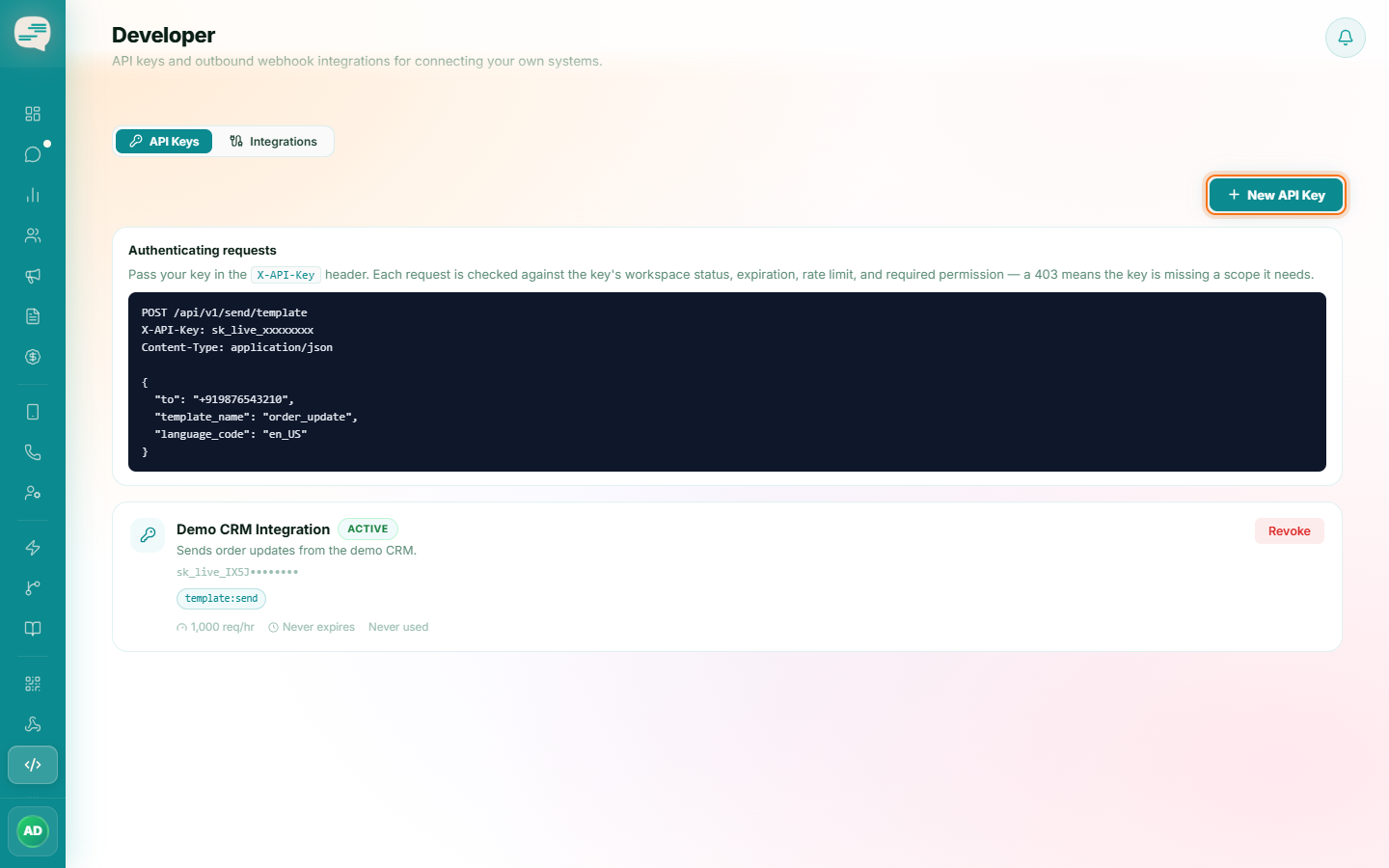
- An API key with the template:send scope
- An approved WhatsApp template
Step-by-Step Guide
Prepare the request
POST to /api/v1/send/template with an X-API-Key header, and a JSON body containing the recipient's phone number, the template name, its language code, and any variable values it needs.
Send it
The message is billed at the template's real category rate and sent through your connected WhatsApp number.
Read the response
A successful call returns the internal message ID, WhatsApp's own message ID, its initial status, and the credits it cost.
Make retries safe
Pass an idempotency_key with each request so a retry from your own system's side never sends the same message twice.
This same approach is how you'd wire Vaaniq into a no-code tool like Zapier, Make, or n8n — configure a Custom HTTP Action pointed at this same endpoint. There's no dedicated Vaaniq app in any of those tools today, so this generic HTTP call is the way to connect them.