

How to Create an AI Knowledge Base
Set up a new Knowledge Base, ready to add content to and connect to a chatbot.
Beginner 3 min read
Tutorial video coming soon
What You'll Learn
In this tutorial you'll learn:
- Create a new Knowledge Base
- Scope it to one WhatsApp Business Account or all of them
Step-by-Step Guide
1
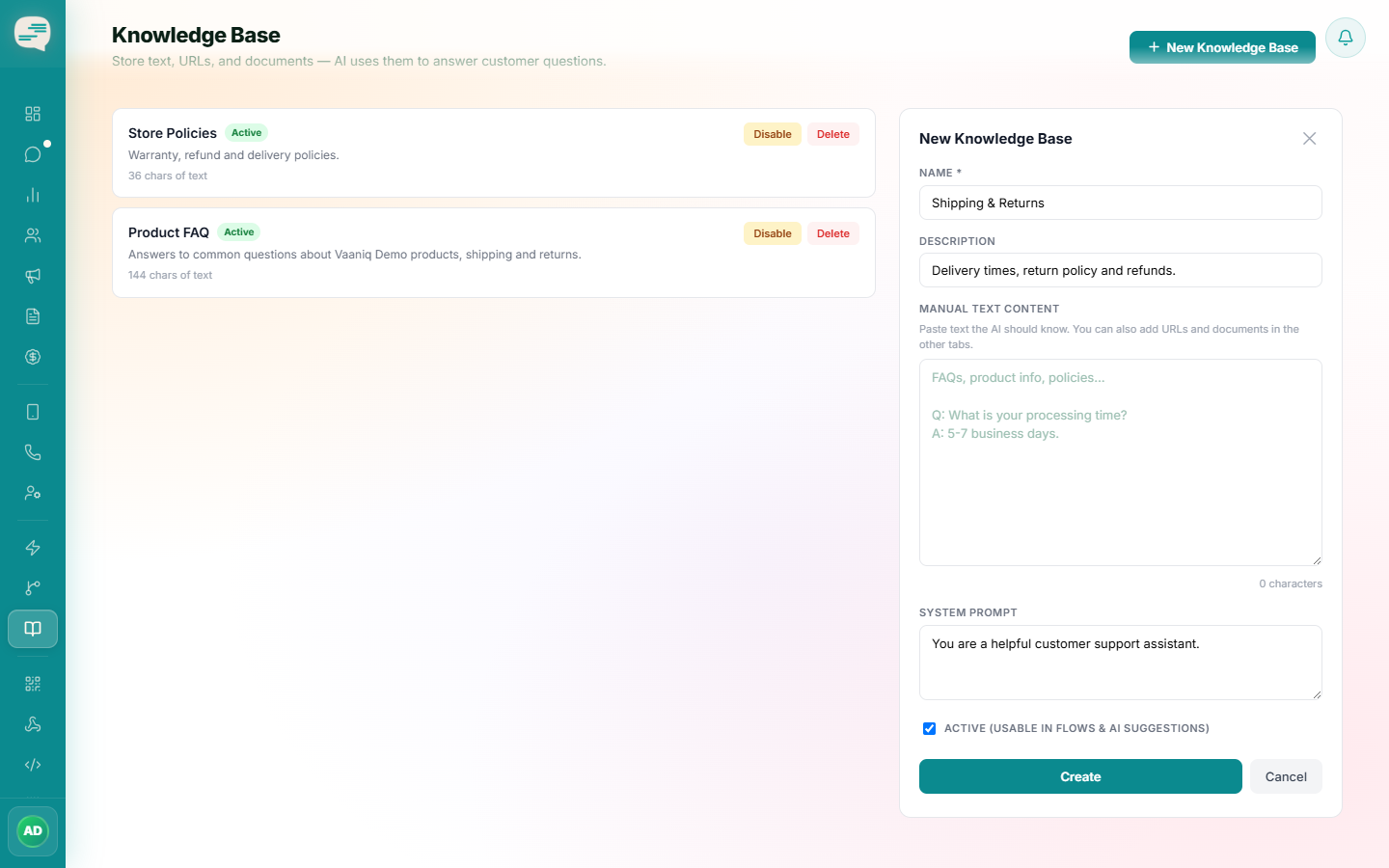
Create a new Knowledge Base
Dashboard → Knowledge Base → New Knowledge Base
Give it a name and description, e.g. "Product FAQ".
2
Choose its scope
If you manage more than one WhatsApp Business Account, choose whether this Knowledge Base applies to all of them or just one.
3
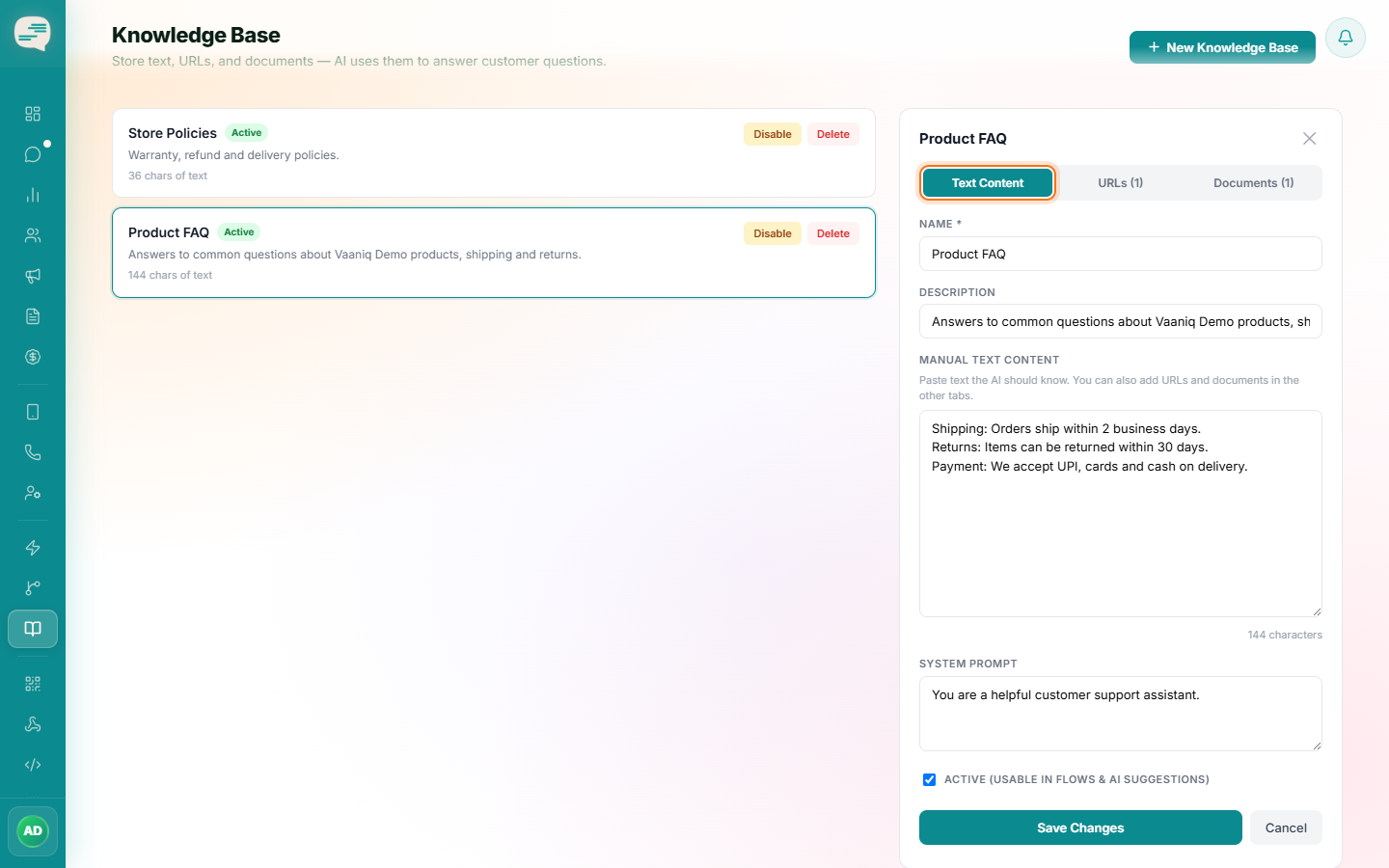
Add content
Paste manual text directly, or use the document/URL upload options covered in the next two tutorials.
Tip
How many Knowledge Bases you can create depends on your plan.